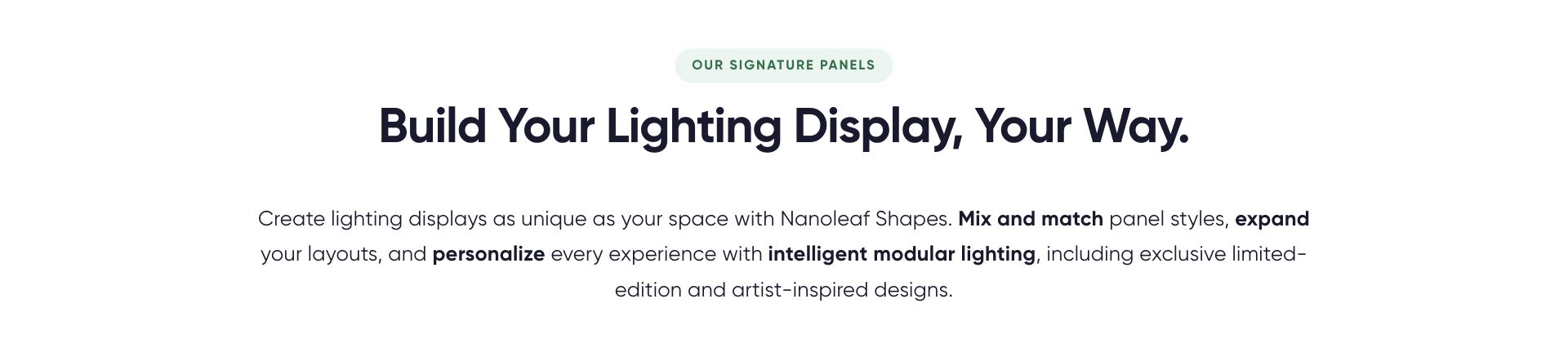
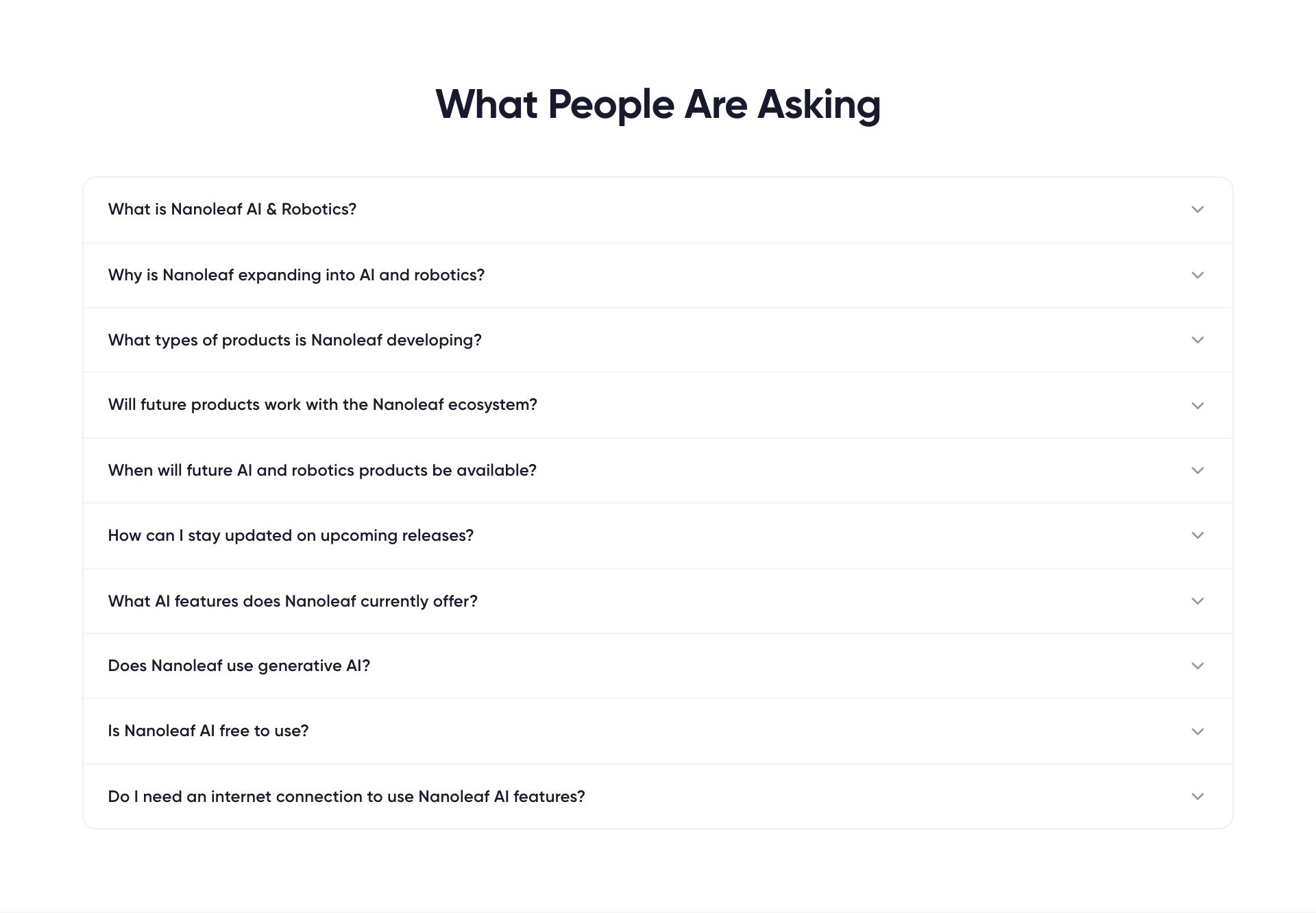
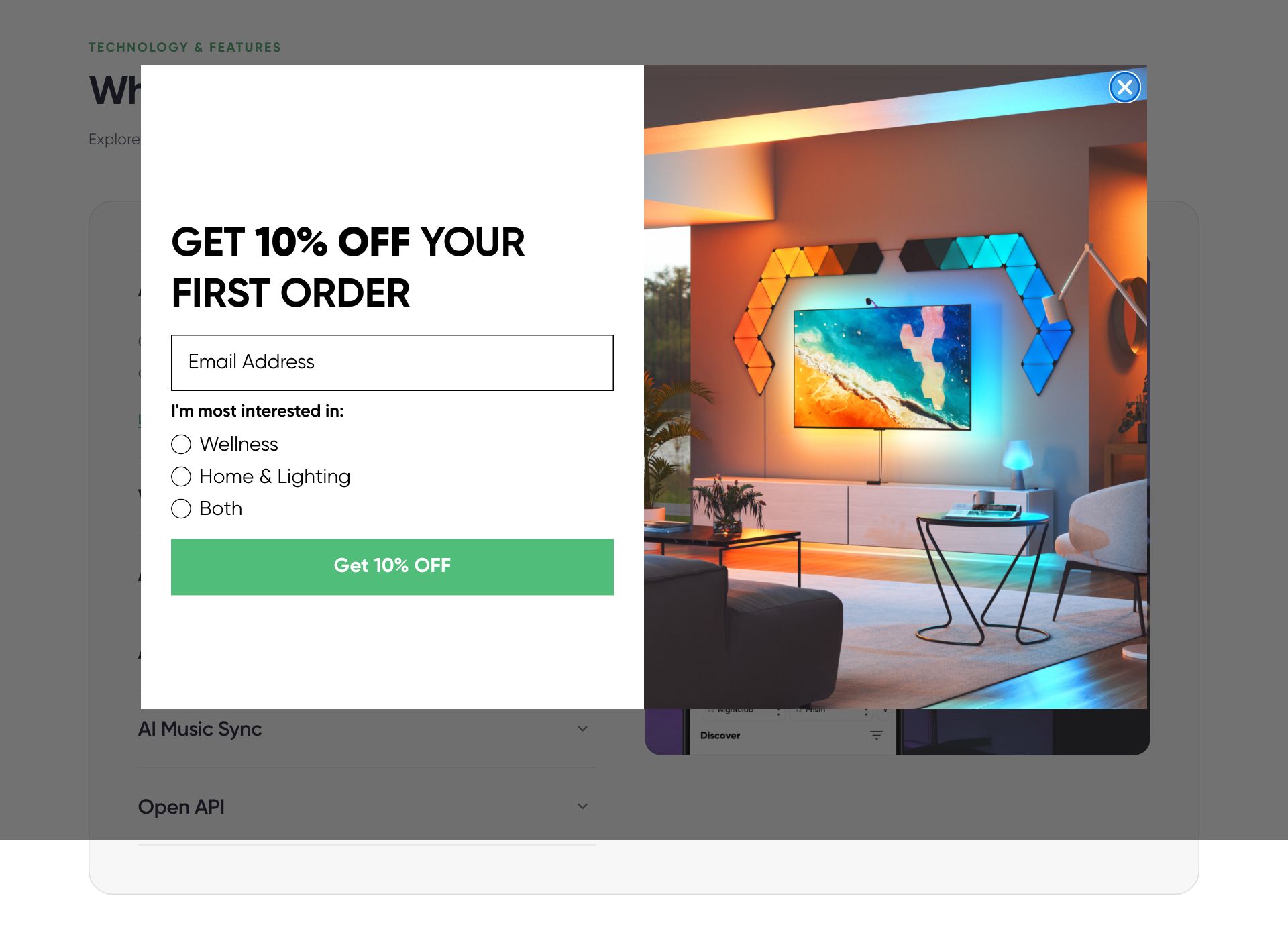
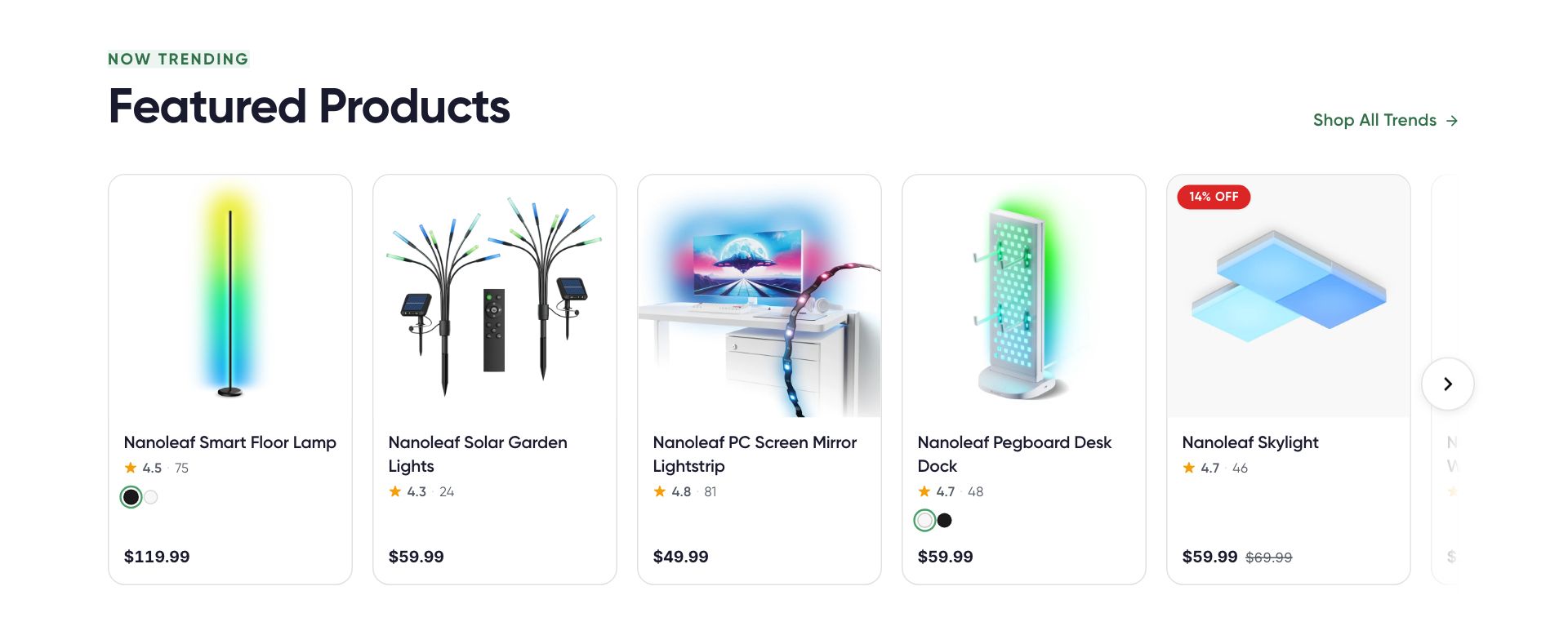
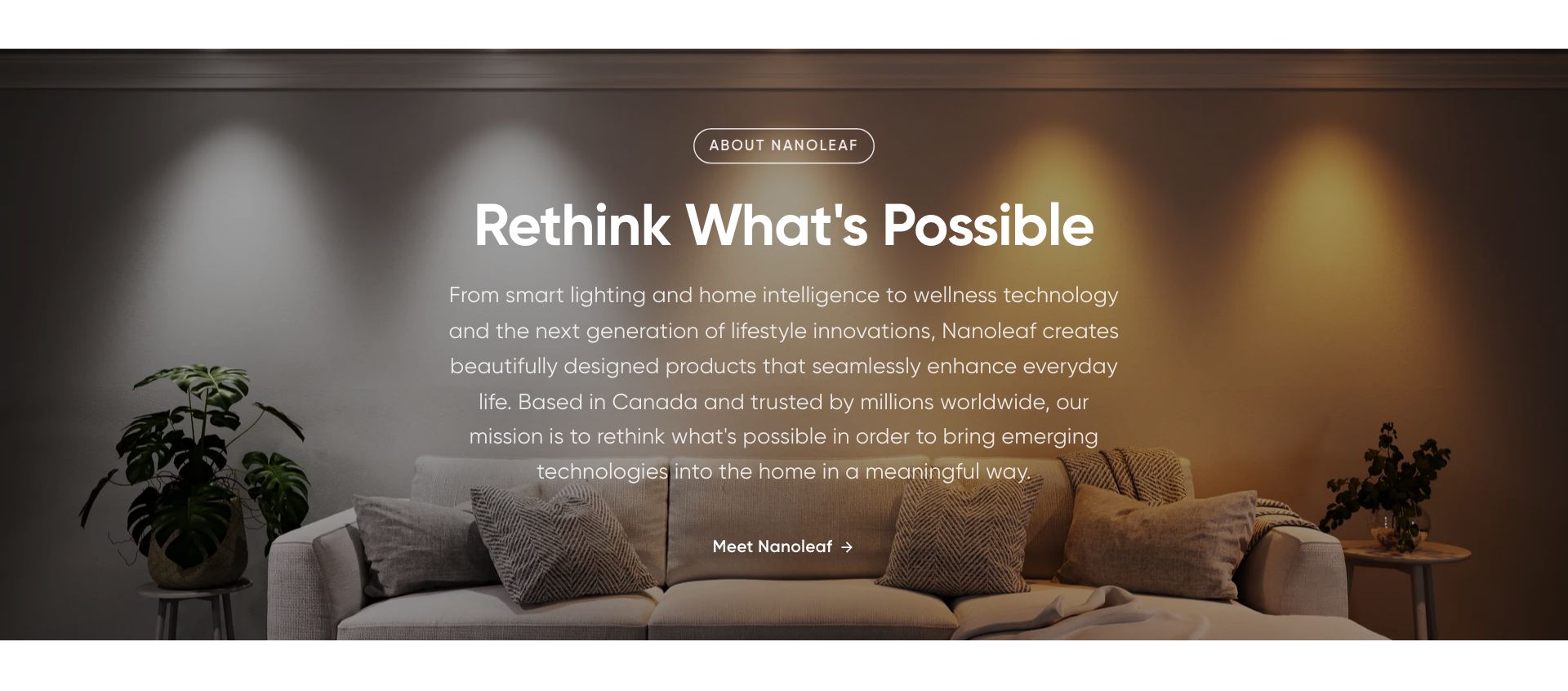
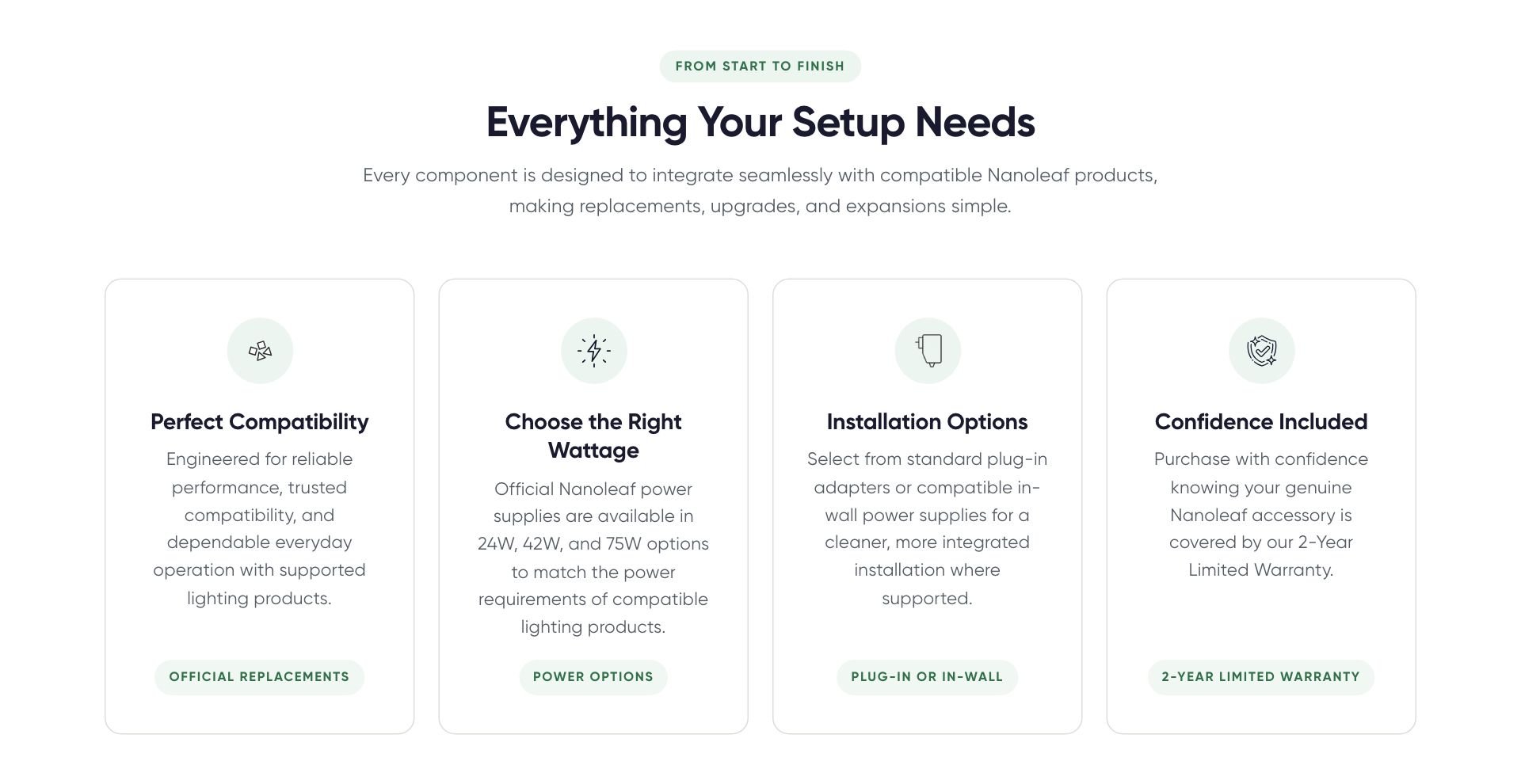
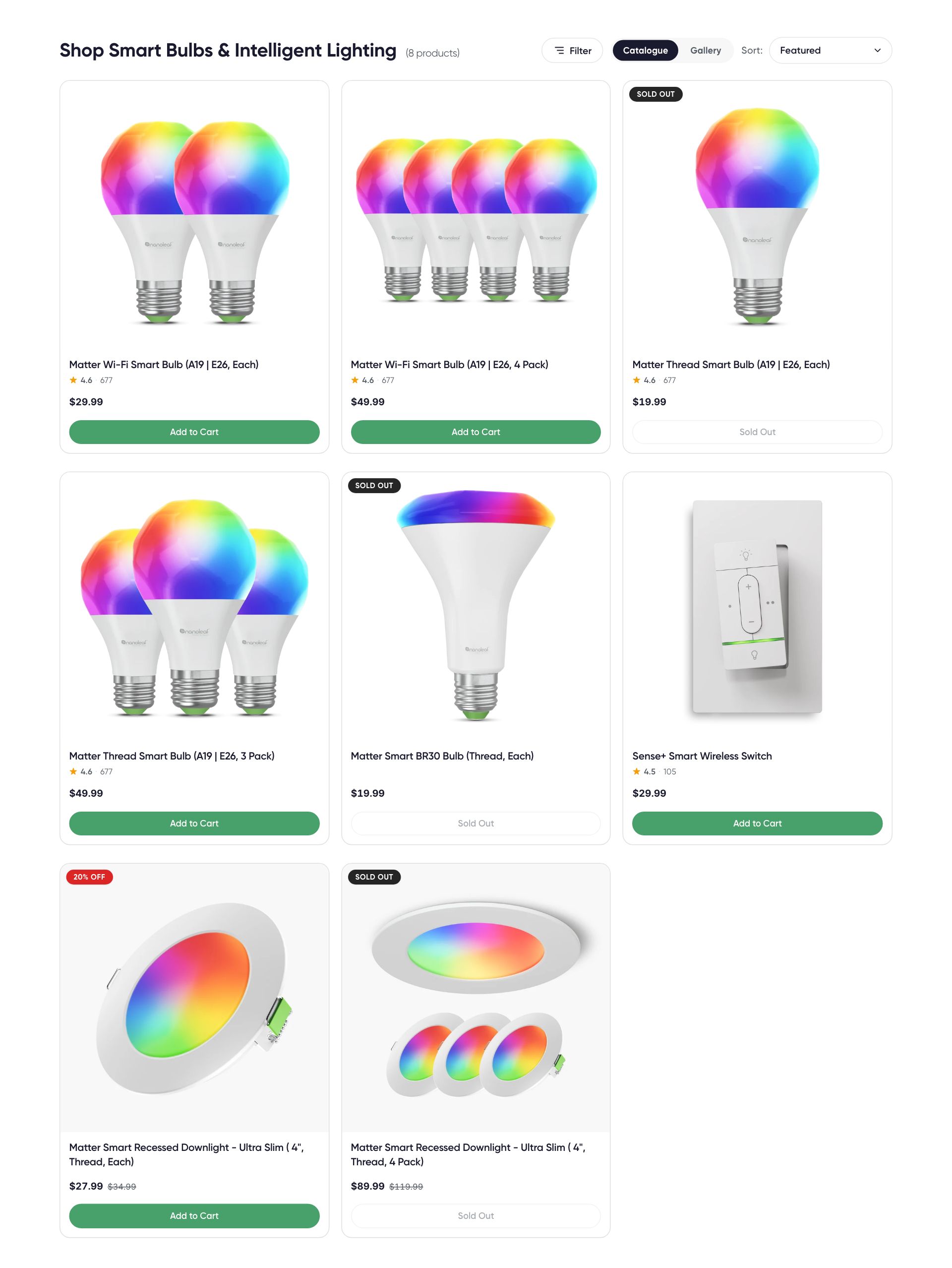
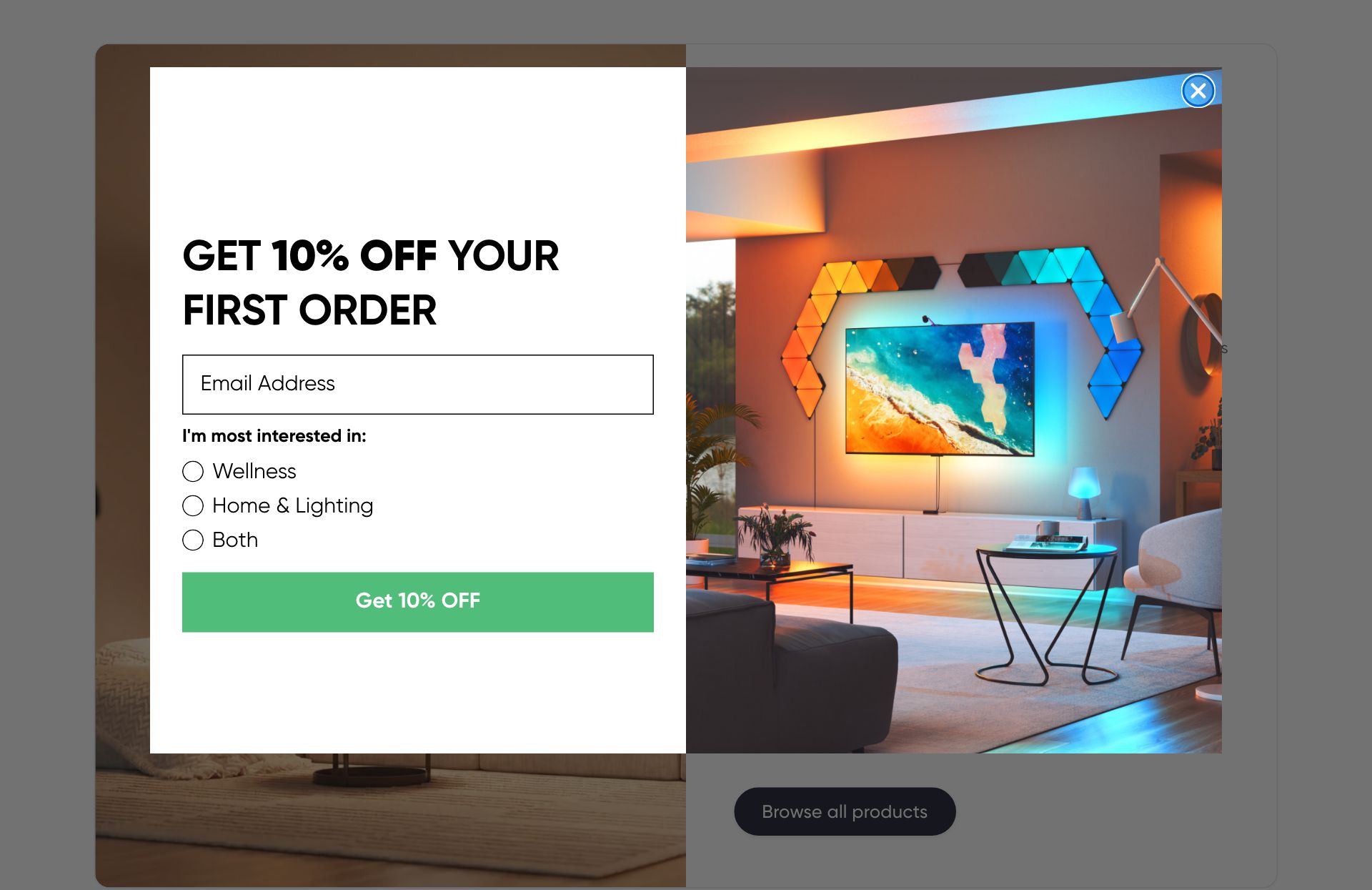
The living manual for the nanoleaf-markets theme: how content flows from admin to page, every section documented with what feeds it, and a real screenshot of each one captured from the live store. Generated from the theme source, so slugs and settings are always current.
Last generated July 13, 2026 · 124 sections · "Open live" links open the section on nanoleaf.me
Global (every page)
Age gate
age-gate
The popup shows on any product / collection / page where the metafield custom.age_restricted is set to true. To flag a page, open it in admin → scroll to Metafields → toggle 'Age restricted' on. When a visitor declines, they're redirected. If the current page has a brand_segment (corporate / ai-robotics / home-lighting / wellness), they go to that segment's collection page. Otherwise, the URL below.
Reads from
collection.metafields.custom.age_restrictedcollection.metafields.custom.brand_segmentpage.metafields.custom.age_restrictedpage.metafields.custom.brand_segmentproduct.metafields.custom.age_restrictedproduct.metafields.custom.brand_segment
Used on
group:header-group
10 editor settings · limit 1 per page
Announcement Bar
announcement-bar
No embedded description — ask us and we will add one to the schema.
Blocks: Message
Reads from
- Theme editor settings only
Used on
group:header-group
6 editor settings · limit 1 per page
Switched off on this pageon /
Brand Segment
brand-segment
No embedded description — ask us and we will add one to the schema.
Blocks: Segment
Reads from
collection.metafields.custom.brand_segmentpage.metafields.custom.brand_segmentproduct.metafields.custom.brand_segment
Used on
group:header-group
3 editor settings · limit 1 per page
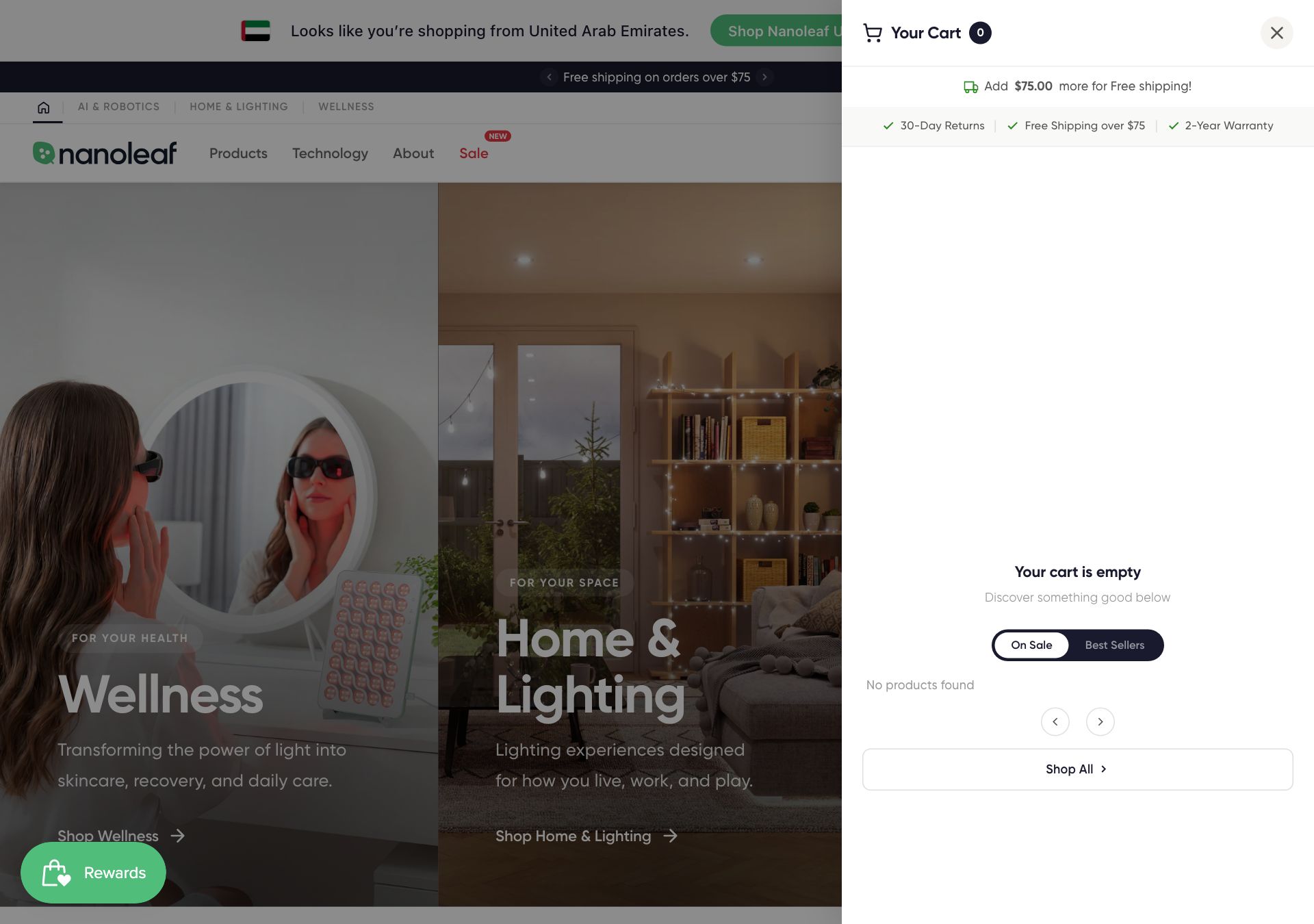
Cart Drawer
cart-drawer
Trust badges shown in the empty cart are managed in Theme Settings → Trust & Guarantees. Changes apply across PDP, cart, and all other badge locations.
Reads from
- Theme editor settings only
Used on
group:header-group
4 editor settings · limit 1 per page
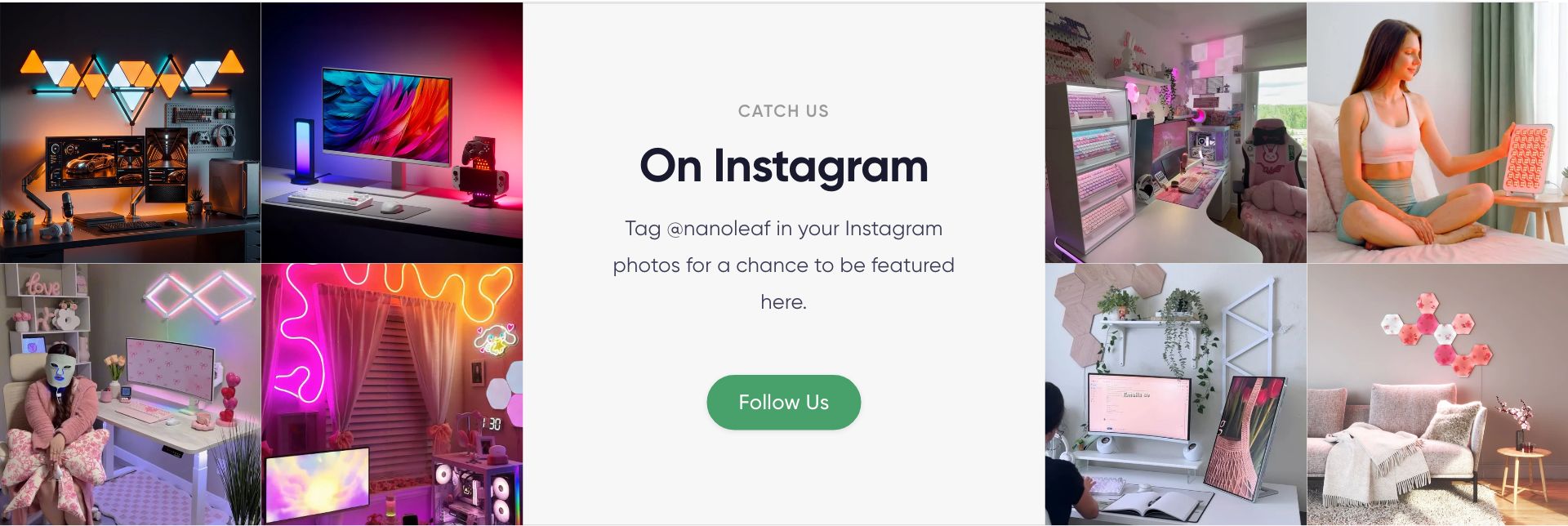
Instagram Gallery
instagram-gallery
No embedded description — ask us and we will add one to the schema.
Blocks: Photo
Reads from
page.metafields.custom.show_instagram_gallery
Used on
group:footer-group
7 editor settings · limit 1 per page
Market suggestion banner
market-suggestion
Country detected via Shopify's edge geolocation. Language detected from the visitor's browser preference. Markets + languages lists pulled from your store's Markets settings and published languages — both update automatically as you add/remove them in Shopify admin. The banner copy renders in the visitor's own language (EN, FR, DE, ES, IT, JA, KO, ZH-TW built in, with localized country names); the text settings below control the English version. Flags are served from the theme's own assets. Shown when the visitor's detected country differs from the current market. Use {country} anywhere — repl
Reads from
- Theme editor settings only
Used on
group:header-group
6 editor settings · limit 1 per page
Sale Banner
sale-banner
No embedded description — ask us and we will add one to the schema.
Reads from
- Theme editor settings only
Used on
group:header-group
11 editor settings
Trust Guarantees
collection-trust
No embedded description — ask us and we will add one to the schema.
Blocks: Guarantee
Reads from
collection.metafields.custom.color_scheme
Used on
group:footer-group
0 editor settings · limit 1 per page
No live instance right now (added via the editor when needed).
Product pages
App Download
pdp-app-download
No embedded description — ask us and we will add one to the schema.
Reads from
product.metafields.custom.app_store_urlproduct.metafields.custom.desktop_app_urlproduct.metafields.custom.google_play_url
Used on
product
7 editor settings · limit 1 per page
No live instance right now (added via the editor when needed).
Background Video
pdp-background-video
Renders a full-bleed decorative autoplay/loop/muted video band. No controls, no audio. Inherits the surrounding section's background colour (splitter behaviour). Reads from product.metafields.custom.background_video; falls back to the settings below.
Reads from
product.metafields.custom.background_video
Used on
product
6 editor settings · limit 2 per page
No live instance right now (added via the editor when needed).
Before & After Slider
pdp-before-after
No embedded description — ask us and we will add one to the schema.
Reads from
product.metafields.custom.after_imageproduct.metafields.custom.before_image
Used on
product.home-lighting-advancedproduct.home-lighting-basicproduct
7 editor settings
Benefits & Highlights
pdp-benefits
On product pages, content auto-fills from custom.highlights metaobjects + headings from custom.pdp_marketing. On any other template, add 'Highlight' blocks below.
Blocks: Highlight
Reads from
collection.metafields.custom.highlightsproduct.metafields.custom.highlightsproduct.metafields.custom.pdp_marketing
Used on
collection.home-lighting-featureproduct
3 editor settings
Open live ↗on /collections/powered-by-nanoleaf-smarter-partners Breadcrumb
pdp-breadcrumb
Read first: reads from custom.default_collection on the product. Breadcrumb auto-detects the collection from the visitor's navigation path. Falls back to the product's custom.default_collection metafield if set.
Reads from
product.metafields.custom.default_collection
Used on
product.home-lighting-advancedproduct.home-lighting-basicproductproduct.wellness-basicproduct.wellness
2 editor settings · limit 1 per page
Open live ↗on /products/nanoleaf-light-therapy-face-mask Bundle Upsell
pdp-bundle-upsell
Read first: reads from custom.bundle (product reference). Pick the bundle product to upsell on this PDP.
Reads from
collection.metafields.custom.bundleproduct.metafields.custom.bundle
Used on
collection.home-lighting-featurecollectioncollection.wellness-bundlescollection.wellness-collectionproduct.home-lighting-advancedproduct.home-lighting-basicproduct
3 editor settings
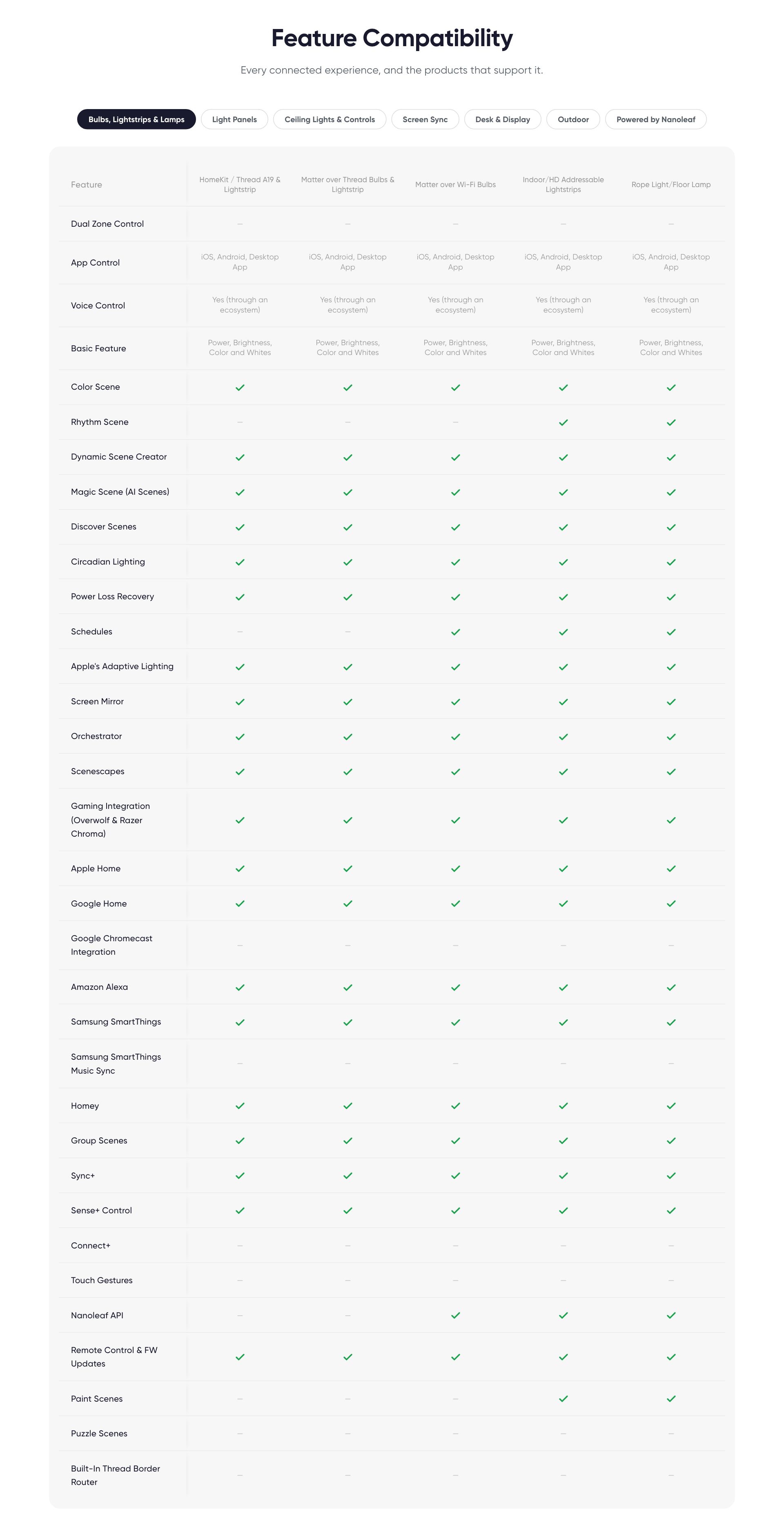
Comparison Table
pdp-comparison
No embedded description — ask us and we will add one to the schema.
Reads from
collection.metafields.custom.compare_tablepage.metafields.custom.compare_table
Used on
collection.home-lighting-featurecollection.home-lightingpage.featuresproduct.home-lighting-basicproductproduct.wellness-basic
4 editor settings
CTA Cards
cta-cards
A row of small link cards. Add one Card block per link. Built for routing wellness PDPs to the education hub, works anywhere.
Blocks: Card
Reads from
- Theme editor settings only
Used on
product.wellness-basic
3 editor settings
No live instance right now (added via the editor when needed).
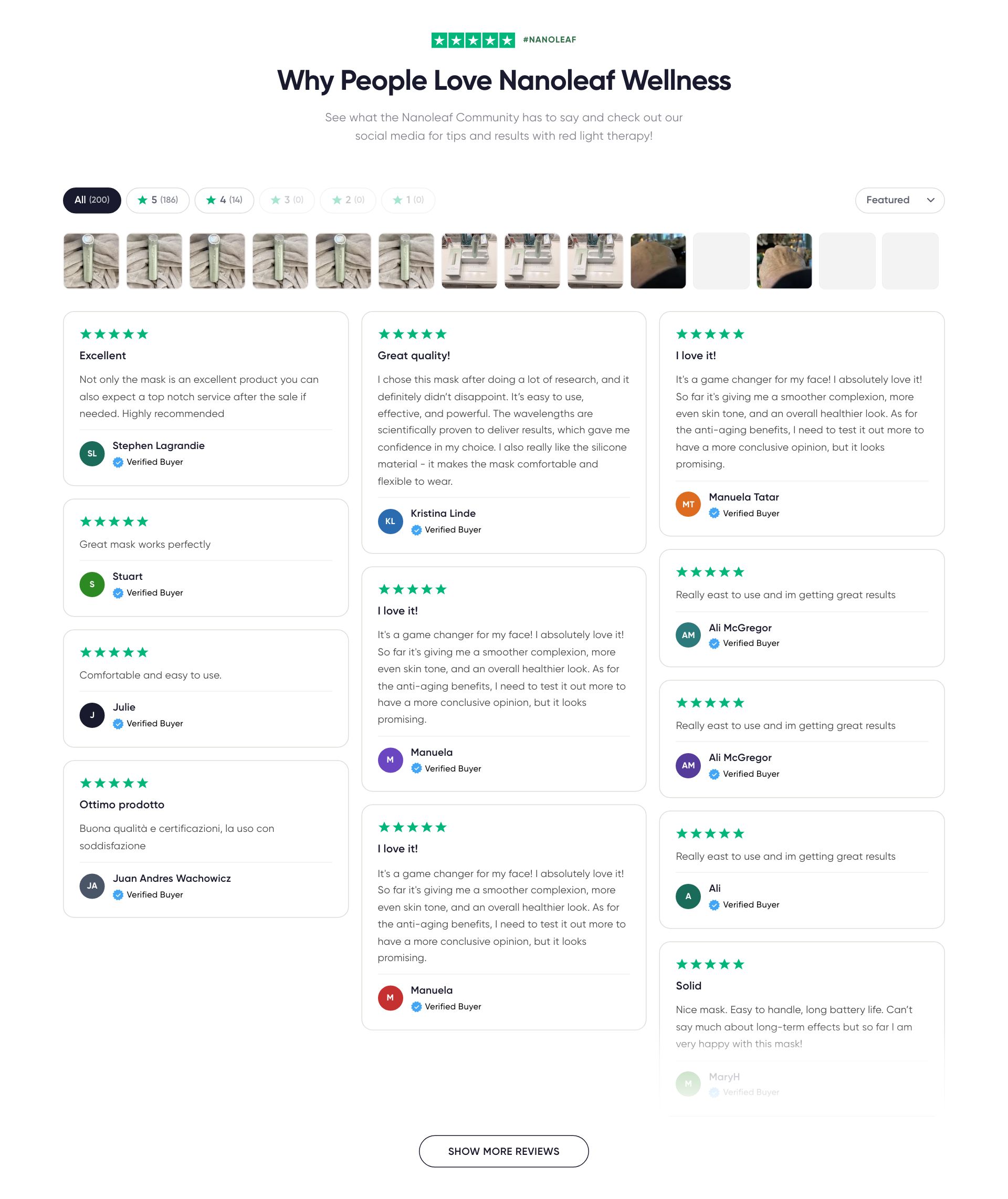
Customer Reviews
pdp-reviews
Auto-managed by Judge.me. Falls back to product.metafields.reviews.rating + count.
Reads from
product.metafields.judgeme.widgetproduct.metafields.reviews.rating
Used on
product.home-lighting-advancedproduct.home-lighting-basicproductproduct.wellness-basicproduct.wellness
3 editor settings
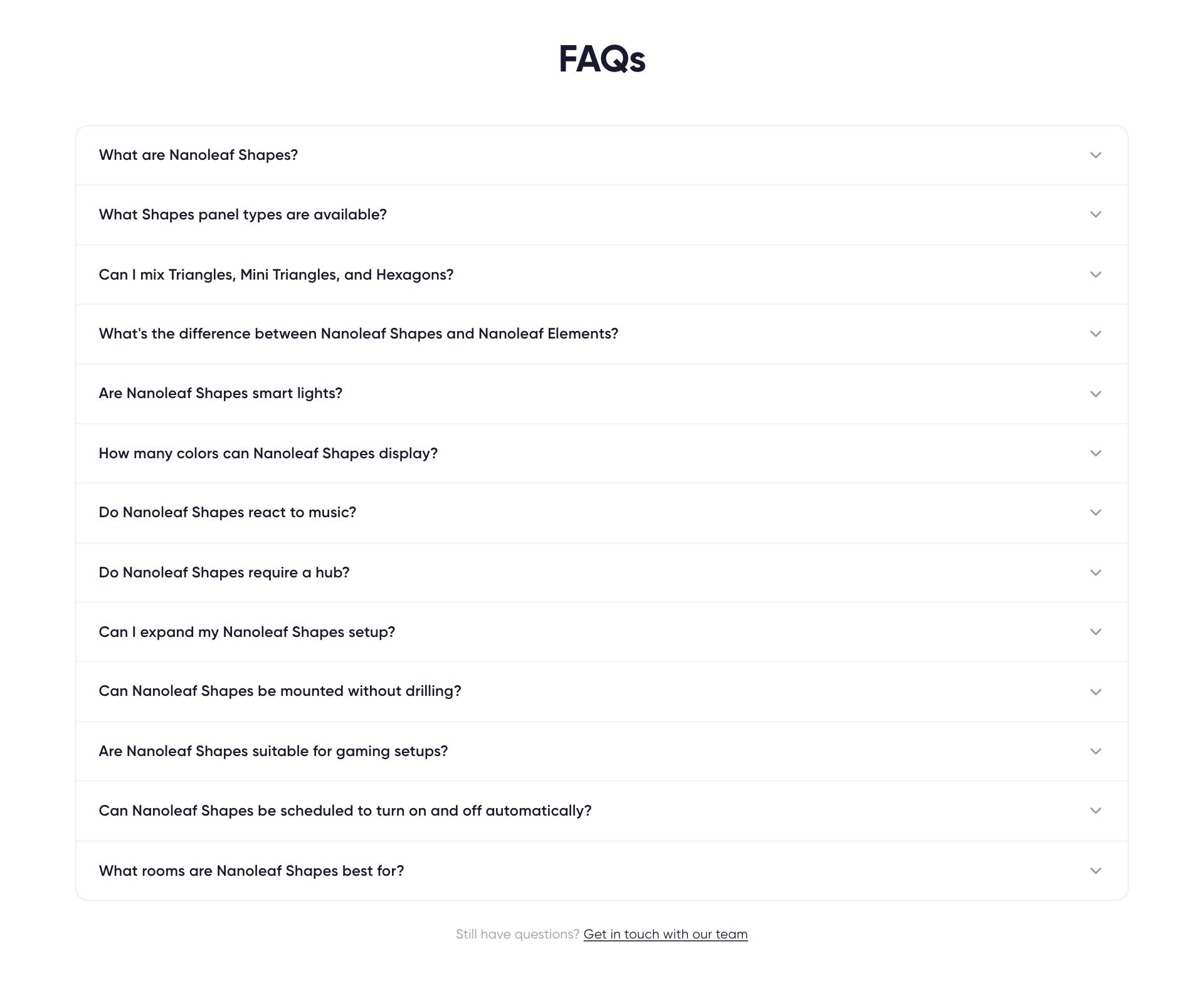
Open live ↗on /products/nanoleaf-light-therapy-face-mask FAQ Accordion
pdp-faq
On product pages, FAQs auto-populate from the product's custom.faq_items metafield. On collection pages, from custom.faq_items on the collection. On any template, you can also add FAQ items as CMS blocks below — CMS blocks render first, then metafield items, in the same accordion.
Blocks: FAQ Item
Reads from
collection.metafields.custom.faq_itemsproduct.metafields.custom.faq_items
Used on
page.student-discountproduct.home-lighting-advancedproduct.home-lighting-basicproduct
14 editor settings
Feature Showcase
pdp-treatment-modes
No embedded description — ask us and we will add one to the schema.
Reads from
product.metafields.custom.featuresproduct.metafields.custom.features_eyebrowproduct.metafields.custom.features_title
Used on
collection.home-lightingproduct.home-lighting-advancedproduct
2 editor settings
How-To Steps
pdp-how-to-use
No embedded description — ask us and we will add one to the schema.
Blocks: Step
Reads from
product.metafields.custom.how_to_steps
Used on
productproduct.wellness-basicproduct.wellness
3 editor settings
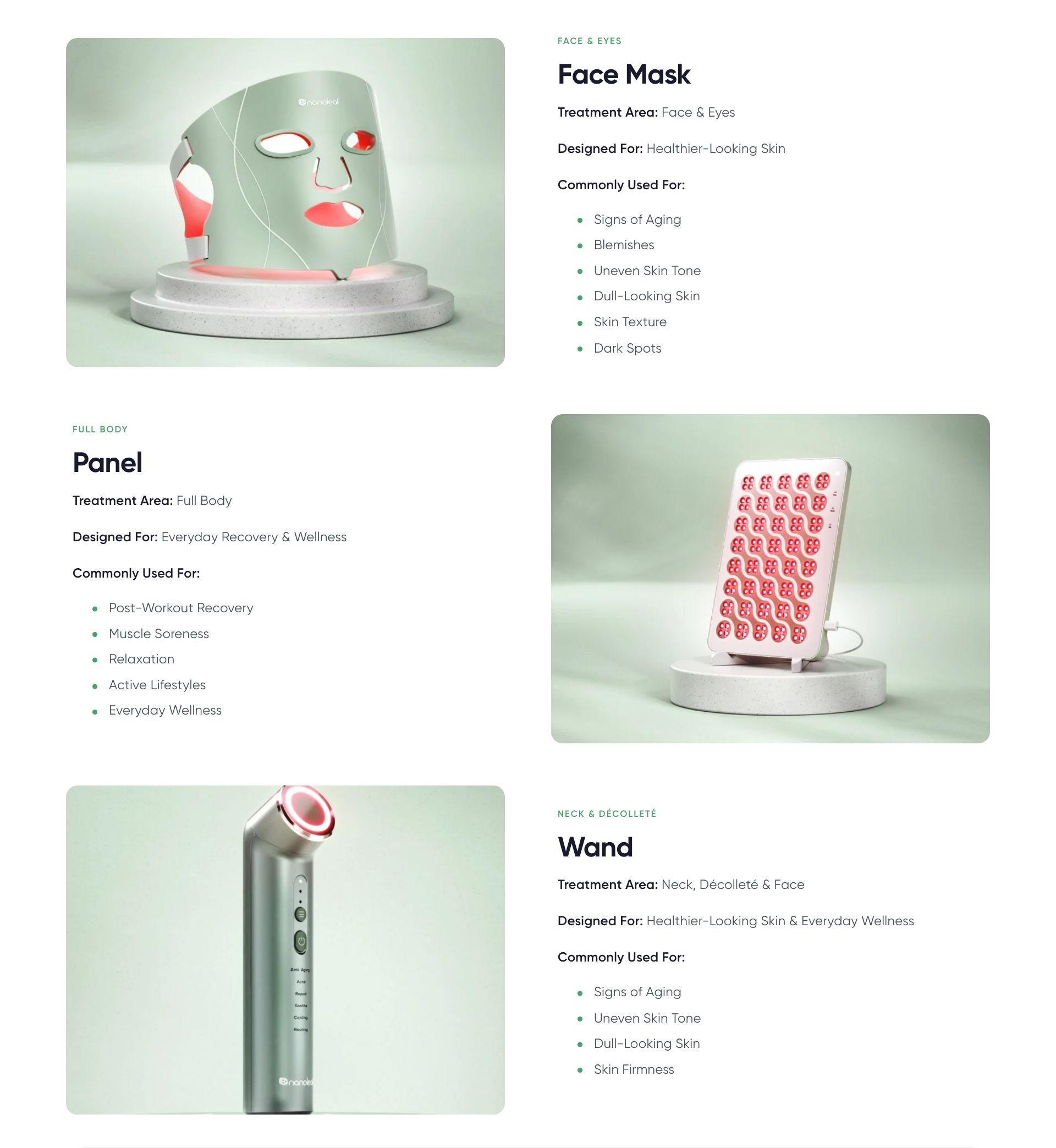
Open live ↗on /products/nanoleaf-light-therapy-face-mask Image Grid
pdp-image-grid
No embedded description — ask us and we will add one to the schema.
Blocks: Grid Item
Reads from
collection.metafields.custom.gallery_imagespage.metafields.custom.default_corner_iconpage.metafields.custom.image_grid_contentproduct.metafields.custom.gallery_images
Used on
collection.home-lighting-featurepage.aboutpage.featurespage.nanoleaf-desktop-apppage.nanoleaf-mobile-appproduct
5 editor settings
Product Information
pdp-hero
Read first: the hero reads from ~12 metafields including display_tags, usps, tech_specs, certifications, whats_included_base, amazon_url, warranty_info, shipping_note, sale_ends_at.
Blocks: Star Rating, Product Title, Price, Display Tags, Description, USP Cards
Reads from
product.metafields.custom.amazon_urlproduct.metafields.custom.certificationsproduct.metafields.custom.compatible_platformsproduct.metafields.custom.display_nameproduct.metafields.custom.display_tagsproduct.metafields.custom.linked_optionsproduct.metafields.custom.sale_ends_atproduct.metafields.custom.shipping_noteproduct.metafields.custom.show_4d_viewerproduct.metafields.custom.show_app_promo- + 13 more
Used on
product.home-lighting-advancedproduct.home-lighting-basicproductproduct.wellness-basicproduct.wellness
4 editor settings · limit 1 per page
Open live ↗on /products/nanoleaf-light-therapy-face-mask Tech Bar — Logos
tech-bar-logos
No embedded description — ask us and we will add one to the schema.
Reads from
- Theme editor settings only
Used on
product.home-lighting-basicproduct.wellness
8 editor settings
Text + Media
pdp-text-media
No embedded description — ask us and we will add one to the schema.
Blocks: Slider image, Feature item
Reads from
- Theme editor settings only
Used on
page.aboutpage.scienceproduct.wellness
10 editor settings
Text + Media Stories
pdp-stories
Content for this section comes from each product's 'Text + Media blocks' metafield. Inline blocks auto-alternate image left → right → left.
Blocks: Story
Reads from
page.metafields.custom.text_media_blocksproduct.metafields.custom.text_media_blocks
Used on
page.ai-roboticspage.featurespage.integration-detailpage.nanoleaf-desktop-apppage.nanoleaf-mobile-apppage.tmb-demopage.wellnessproduct.home-lighting-advancedproduct.home-lighting-basicproductproduct.wellness-basicproduct.wellness
4 editor settings
Video Testimonials
pdp-video-testimonials
On product pages, videos auto-fill from custom.video_testimonials. On any other template, add 'Video' blocks below.
Blocks: Video
Reads from
product.metafields.custom.pdp_marketingproduct.metafields.custom.video_testimonials
Used on
product
2 editor settings
No live instance right now (added via the editor when needed).
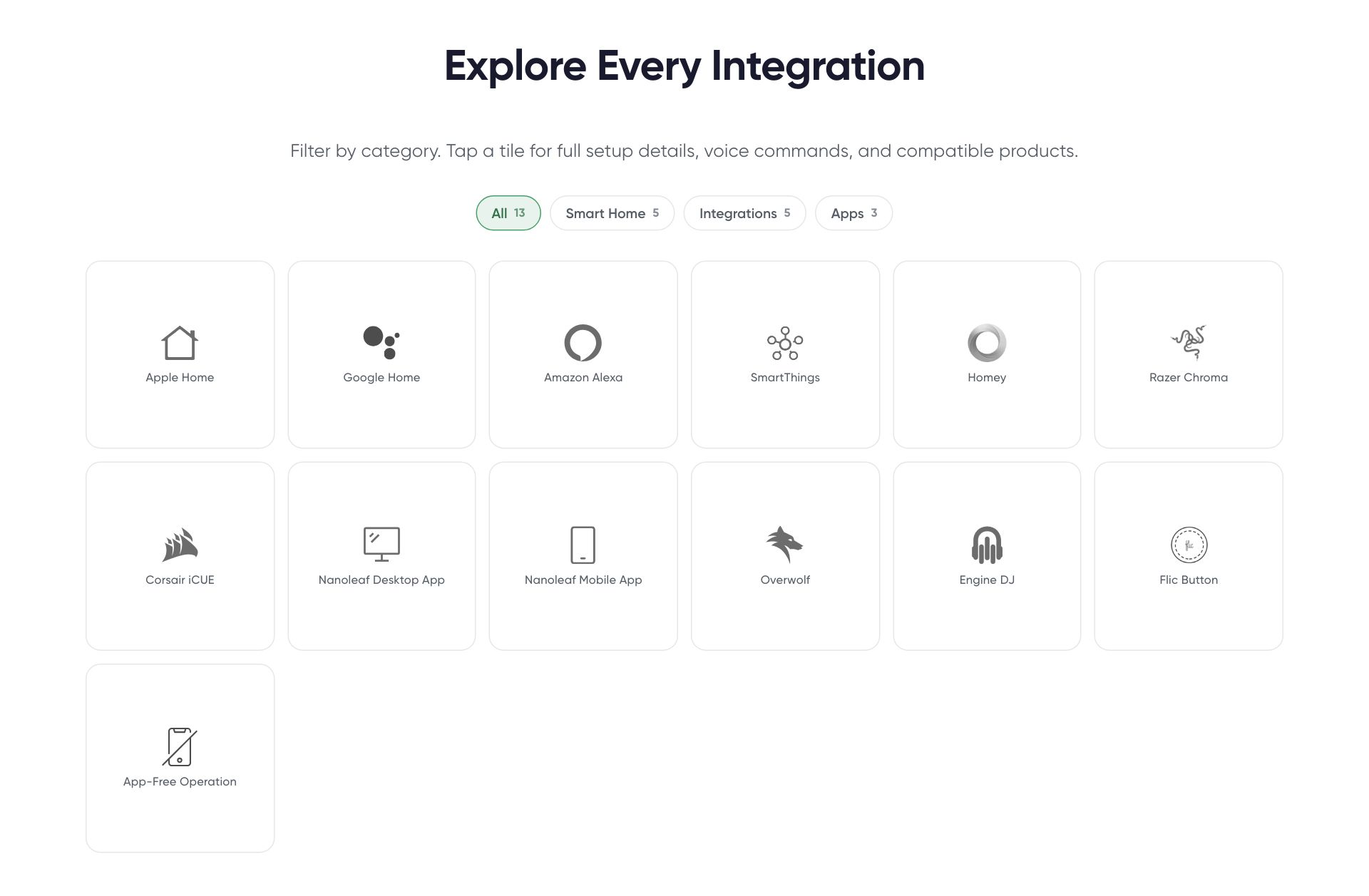
Works With
pdp-works-with
Read first: reads from custom.compatible_platforms (Platform metaobjects — HomeKit, Alexa, Google Home, etc.).
Blocks: Platform
Reads from
product.metafields.custom.compatible_platformsshop.metaobjects.compatible_platform
Used on
page.works-withproduct.home-lighting-advancedproduct.home-lighting-basicproduct
6 editor settings · limit 1 per page
You May Also Like
pdp-recommendations
Read first: reads from custom.default_collection (drives related products via Search & Discovery).
Reads from
product.metafields.custom.default_collection
Used on
collection.home-lightingproductproduct.wellness-basicproduct.wellness
0 editor settings
Open live ↗on /products/nanoleaf-light-therapy-face-mask Shared (PDP + pages)
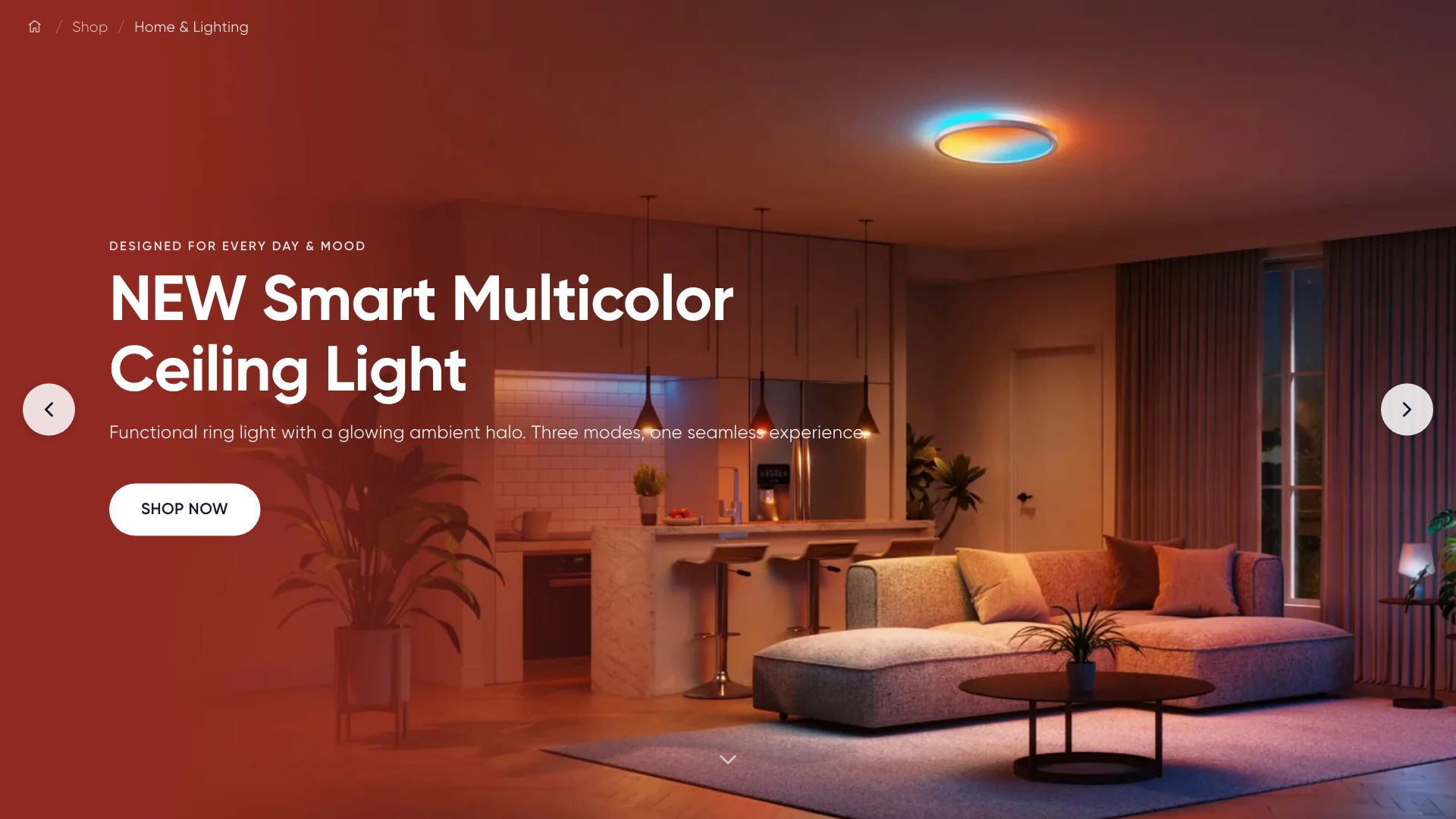
Billboard Hero
hero-billboard
No embedded description — ask us and we will add one to the schema.
Blocks: Slide
Reads from
collection.metafields.custom.middle_crumb_linkpage.metafields.custom.middle_crumb_linkproduct.metafields.custom.middle_crumb_link
Used on
collection.ai-roboticscollection.corporatecollection.home-lighting-featurecollection.home-lightingcollection.wellness-bundlescollection.wellness-collectioncollection.wellnessindex.homebae-backupindex.homebaepage.aboutpage.ai-roboticspage.contact-uspage.featurespage.find-a-retailerpage.home-lighting-takeoverpage.home-lightingpage.manualspage.newsroompage.patentspage.points-programpage.sciencepage.student-discountpage.wellness-educationpage.wellnesspage.works-withproduct.home-lighting-advancedproduct.home-lighting-basicproduct.wellness-basicproduct.wellness
17 editor settings
CTA Banner
cta-banner
A versatile call-to-action banner. On a product page it will automatically read the custom.pdp_marketing metaobject when one is connected to the product. Otherwise it uses the fields below, which can also be connected to a metafield or metaobject with the dynamic source icon.
Reads from
collection.metafields.custom.banner_palettecollection.metafields.custom.cta_primary_button_labelcollection.metafields.custom.cta_primary_button_linkpage.metafields.custom.banner_palettepage.metafields.custom.cta_primary_button_labelpage.metafields.custom.cta_primary_button_linkproduct.metafields.custom.banner_paletteproduct.metafields.custom.cta_primary_button_labelproduct.metafields.custom.cta_primary_button_linkproduct.metafields.custom.pdp_marketing
Used on
collection.home-lighting-featurepage.featurespage.wellnessproduct.home-lighting-advancedproduct.home-lighting-basic
17 editor settings
Editorial Text
editorial-text
Long-form richtext for storytelling pages (About, Press, Mission, etc.). Two-column on desktop with optional pull-quote.
Reads from
product.metafields.custom.editorial_text
Used on
collection.home-lighting-featurecollection.home-lightingproduct.home-lighting-advancedproduct.home-lighting-basicproduct.wellness
11 editor settings
FAQ Accordion
faq-accordion
Read first: reads from custom.faq_items (JSON) AND any inline FAQ Item blocks you add below. Both sources render together. On product pages, FAQs auto-populate from the product's custom.faq_items metafield. On collection pages, from custom.faq_items on the collection. On any template, you can also add FAQ items as CMS blocks below — CMS blocks render first, then metafield items, in the same accordion.
Blocks: FAQ Item
Reads from
collection.metafields.custom.faq_itemspage.metafields.custom.faq_itemsproduct.metafields.custom.faq_items
Used on
collection.ai-roboticscollection.corporatecollection.home-lighting-featurecollection.home-lightingcollectioncollection.wellness-bundlescollection.wellness-collectioncollection.wellnesspage.affiliate-programpage.ai-roboticspage.featurespage.integration-detailpage.nanoleaf-desktop-apppage.nanoleaf-mobile-apppage.sciencepage.wellness-educationpage.works-withproduct.wellness-basicproduct.wellness
14 editor settings
Feature Accordion
feature-accordion
Vertical accordion + synced image. Use to explain product capabilities (App Control, Voice, AI Scenes, etc.). Add a 'Feature' block for each toggle.
Blocks: Feature
Reads from
product.metafields.custom.feature_accordionproduct.metafields.custom.features_eyebrowproduct.metafields.custom.features_showcase_header
Used on
page.featurespage.home-lighting-takeoverpage.home-lightingproduct.wellness-basicproduct.wellness
9 editor settings
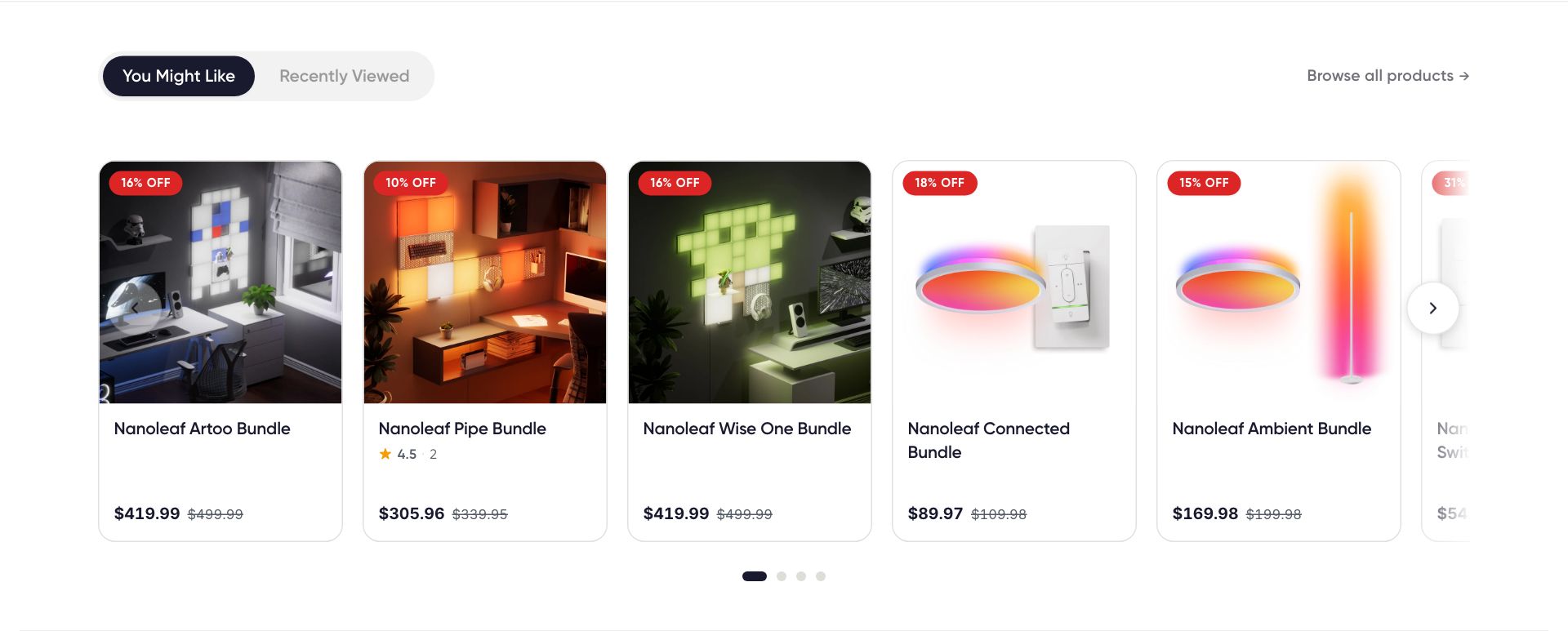
Featured Carousel
best-sellers
No embedded description — ask us and we will add one to the schema.
Blocks: Promotion
Reads from
- Theme editor settings only
Used on
index.homebae-backupindex.homebaepage.ai-roboticspage.home-lighting-takeoverpage.home-lightingproduct.home-lighting-advancedproduct.home-lighting-basic
10 editor settings
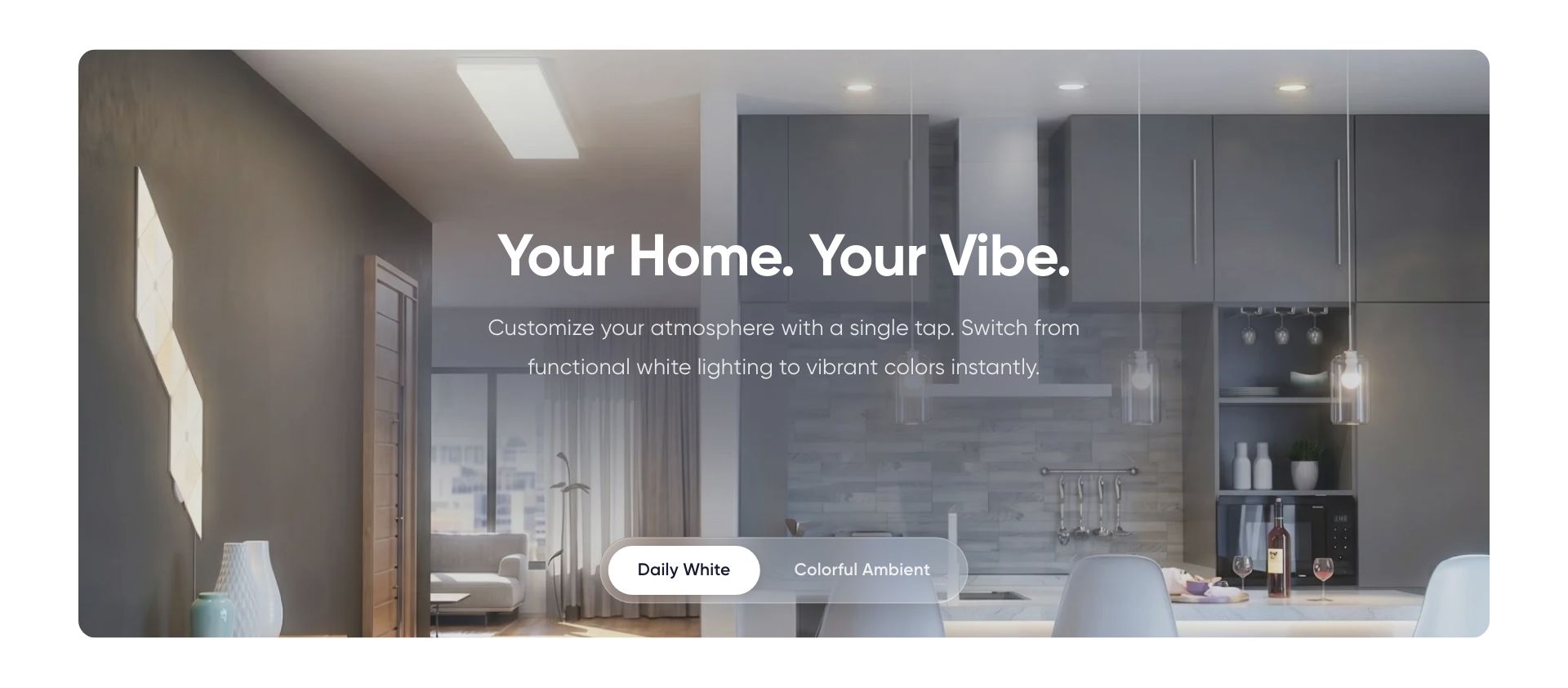
Mood Switcher
mood-switcher
Story-card style hero with a glass-morph pill switcher at the bottom. Each block = one mood / one image. Click a tab to fade between images. Designed to visually match the Story Card section.
Blocks: Mood
Reads from
product.metafields.custom.mood_switcher_media
Used on
collection.home-lightingpage.home-lighting-takeoverpage.home-lightingproduct.home-lighting-advancedproduct.home-lighting-basic
7 editor settings
Press Bar
press-bar
No embedded description — ask us and we will add one to the schema.
Blocks: Retailer Logo
Reads from
- Theme editor settings only
Used on
collection.home-lightingindex.homebae-backupindex.homebaepage.aboutpage.ai-roboticspage.home-lighting-takeoverpage.home-lightingpage.wellness-educationpage.wellnessproduct
8 editor settings · limit 1 per page
Product Additional
product-add-features
Items read from the custom.feature_items metaobject list (Feature Item: image, title, tip_text). Theme blocks below are an optional manual fallback. Items with a tip show a hover card on desktop and open a bottom sheet on tap on mobile. Setting a Content Text Color switches tiles to frosted glass for colored backgrounds.
Blocks: Item
Reads from
collection.metafields.custom.feature_itemspage.metafields.custom.feature_itemsproduct.metafields.custom.feature_items
Used on
collection.home-lighting-featurepage.affiliate-programpage.ai-roboticspage.featurespage.wellnessproduct.home-lighting-advancedproduct.wellness-basic
8 editor settings
Switched off on this pageon /pages/wellness
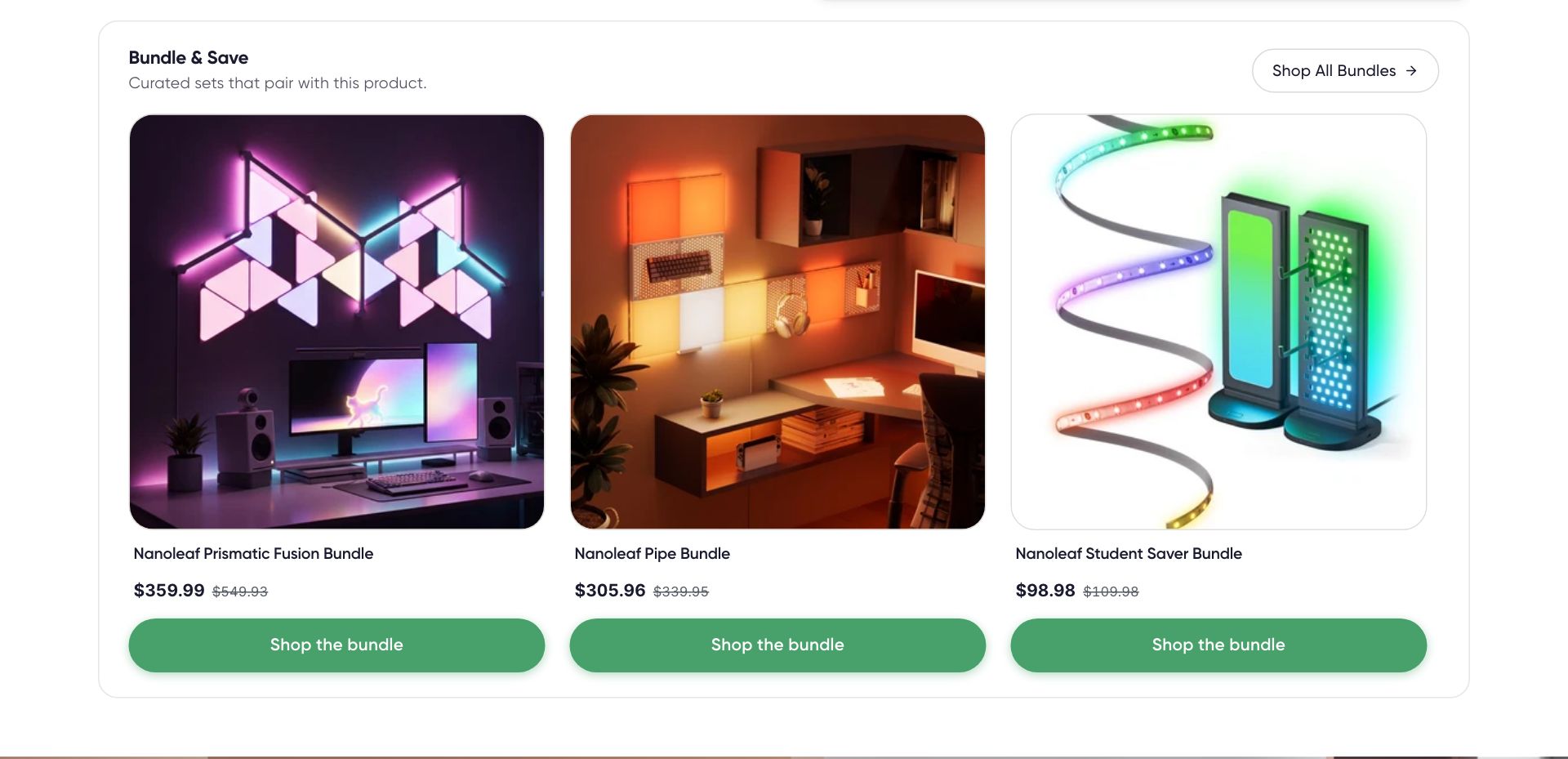
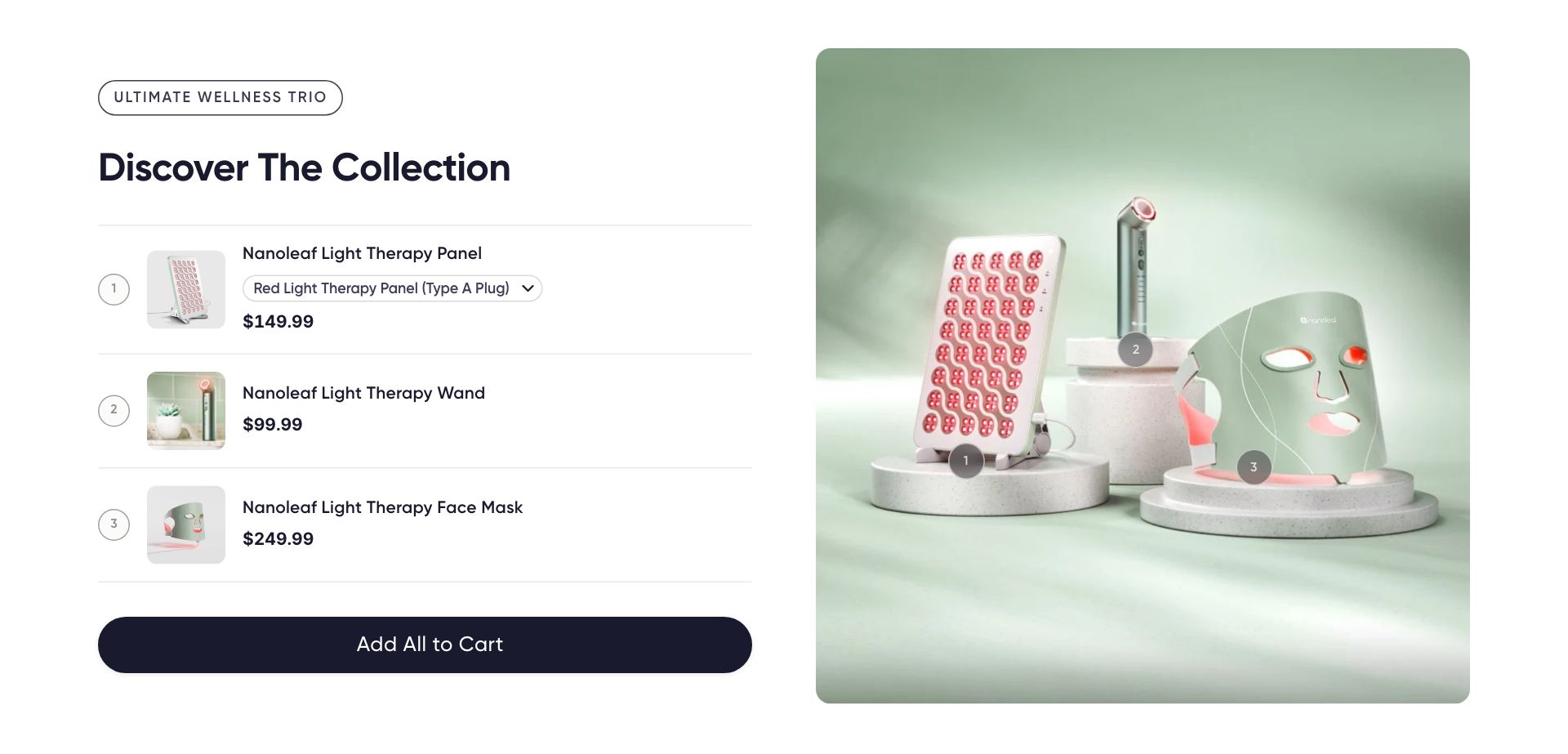
Products Bundle
products-bundle
On a product page this section reads the product's custom.product_bundle metaobject. These settings are only used on Pages or when no metaobject is connected.
Blocks: Product
Reads from
product.metafields.custom.brand_segmentproduct.metafields.custom.product_bundle
Used on
index.homebae-backupindex.homebaepage.wellness-educationpage.wellnessproduct.home-lighting-basic
4 editor settings
Spacer
spacer
Pure vertical whitespace. Pick independent sizes for desktop and mobile.
Reads from
- Theme editor settings only
Used on
collection.home-lighting-featurepage.aboutpage.ai-roboticspage.wellnessproduct.home-lighting-advancedproduct.home-lighting-basic
2 editor settings
Split Panel
split-panel
No embedded description — ask us and we will add one to the schema.
Blocks: Panel
Reads from
page.metafields.custom.split_panel_description_1_of_2page.metafields.custom.split_panel_description_2_of_2
Used on
index.homebae-backupindex.homebaepage.aboutproduct.home-lighting-basic
6 editor settings
Story Card
story-card
Priority: video (uploaded) → external video (YouTube/Vimeo) → image. Image is also used as poster while video loads. Turn this on to add product pins on the image and a featured product card overlay (Apple / nanoleaf shop-the-feed style). Each pin is added as a block below.
Blocks: Shop pin
Reads from
- Theme editor settings only
Used on
index.homebae-backupindex.homebaeindexpage.corporatepage.home-lighting-takeoverpage.home-lightingpage.nanoleaf-desktop-apppage.nanoleaf-mobile-apppage.points-programpage.sciencepage.wellness-educationproduct.home-lighting-advanced
15 editor settings
Tech Bar — Logos
tech-bar-badges
No embedded description — ask us and we will add one to the schema.
Reads from
- Theme editor settings only
Used on
collection.home-lighting-featureproduct.home-lighting-advanced
9 editor settings
Not currently placedon /products/nanoleaf-shapes
Trust Grid
trust-grid
No embedded description — ask us and we will add one to the schema.
Blocks: Trust card
Reads from
product.metafields.custom.trust_grid
Used on
page.sciencepage.wellness-educationproduct.home-lighting-basic
7 editor settings
Collections
Benefits Carousel
collection-benefits
No embedded description — ask us and we will add one to the schema.
Blocks: Benefit Card
Reads from
collection.metafields.custom.benefitscollection.metafields.custom.color_scheme
Used on
collectioncollection.wellness-bundlescollection.wellness-collection
4 editor settings
No live instance right now (added via the editor when needed).
Collection FAQ
collection-faq
No embedded description — ask us and we will add one to the schema.
Blocks: FAQ Item
Reads from
collection.metafields.custom.color_schemecollection.metafields.custom.faq_items
Used on
collection.home-lighting
5 editor settings
Switched off on this pageon /collections/nanoleaf-smart-bulbs
Collection Hero
collection-hero
No embedded description — ask us and we will add one to the schema.
Blocks: Eyebrow, Heading, Subheading, Button
Reads from
collection.metafields.custom.color_schemecollection.metafields.custom.headingcollection.metafields.custom.hero_imagecollection.metafields.custom.nav_icon
Used on
collection.home-lightingcollection
7 editor settings
No live instance right now (added via the editor when needed).
Product All Features
product-all-features
No embedded description — ask us and we will add one to the schema.
Blocks: Feature Item, Icon Item
Reads from
collection.metafields.custom.all_featurespage.metafields.custom.all_featuresproduct.metafields.custom.all_features
Used on
collection.home-lighting-featurecollection.home-lighting
5 editor settings
Not currently placedon /collections/nanoleaf-smart-bulbs
Product Grid
main-collection
Renders the collection's products with a left sidebar for filters (Shopify Search & Discovery filters when configured, else falls back to product-type checkboxes). Active filters appear as chips above the grid with ✕ to remove.
Reads from
collection.metafields.custom.show_each_variant
Used on
collection.ai-roboticscollection.corporatecollection.home-lighting-featurecollection.home-lightingcollectioncollection.wellness-bundlescollection.wellness-collectioncollection.wellness
6 editor settings
Products
collection-subcategories
No embedded description — ask us and we will add one to the schema.
Blocks: Subcollection
Reads from
collection.metafields.custom.color_schemecollection.metafields.custom.enable_filterscollection.metafields.custom.subcollections
Used on
collectioncollection.wellness-bundlescollection.wellness-collection
8 editor settings
No live instance right now (added via the editor when needed).
Promo Splitters
collection-promo-splitters
No embedded description — ask us and we will add one to the schema.
Reads from
collection.metafields.custom.color_schemecollection.metafields.custom.show_app_promocollection.metafields.custom.show_student_discount
Used on
collection.ai-roboticscollection.corporatecollectioncollection.wellness-bundlescollection.wellness-collectioncollection.wellness
6 editor settings
No live instance right now (added via the editor when needed).
SEO Content
collection-seo-content
No embedded description — ask us and we will add one to the schema.
Reads from
collection.metafields.custom.color_schemecollection.metafields.custom.seo_content
Used on
collection.ai-roboticscollection.corporatecollection.home-lighting-featurecollection.home-lightingcollectioncollection.wellness-bundlescollection.wellness-collectioncollection.wellness
2 editor settings
Sticky Back CTA
collection-sticky-cta
No embedded description — ask us and we will add one to the schema.
Reads from
collection.metafields.custom.color_scheme
Used on
collection.ai-roboticscollection.corporatecollection.home-lighting-featurecollectioncollection.wellness-bundlescollection.wellness-collectioncollection.wellness
1 editor settings
Open live ↗on /collections/powered-by-nanoleaf-smarter-partners Sub-Navigation
collection-subnav
No embedded description — ask us and we will add one to the schema.
Reads from
collection.metafields.custom.color_schemecollection.metafields.custom.subcollections
Used on
collectioncollection.wellness-bundlescollection.wellness-collection
1 editor settings
No live instance right now (added via the editor when needed).
Pages & editorial
404 Page
main-404
No embedded description — ask us and we will add one to the schema.
Blocks: Collection
Reads from
- Theme editor settings only
Used on
404
2 editor settings
No live instance right now (added via the editor when needed).
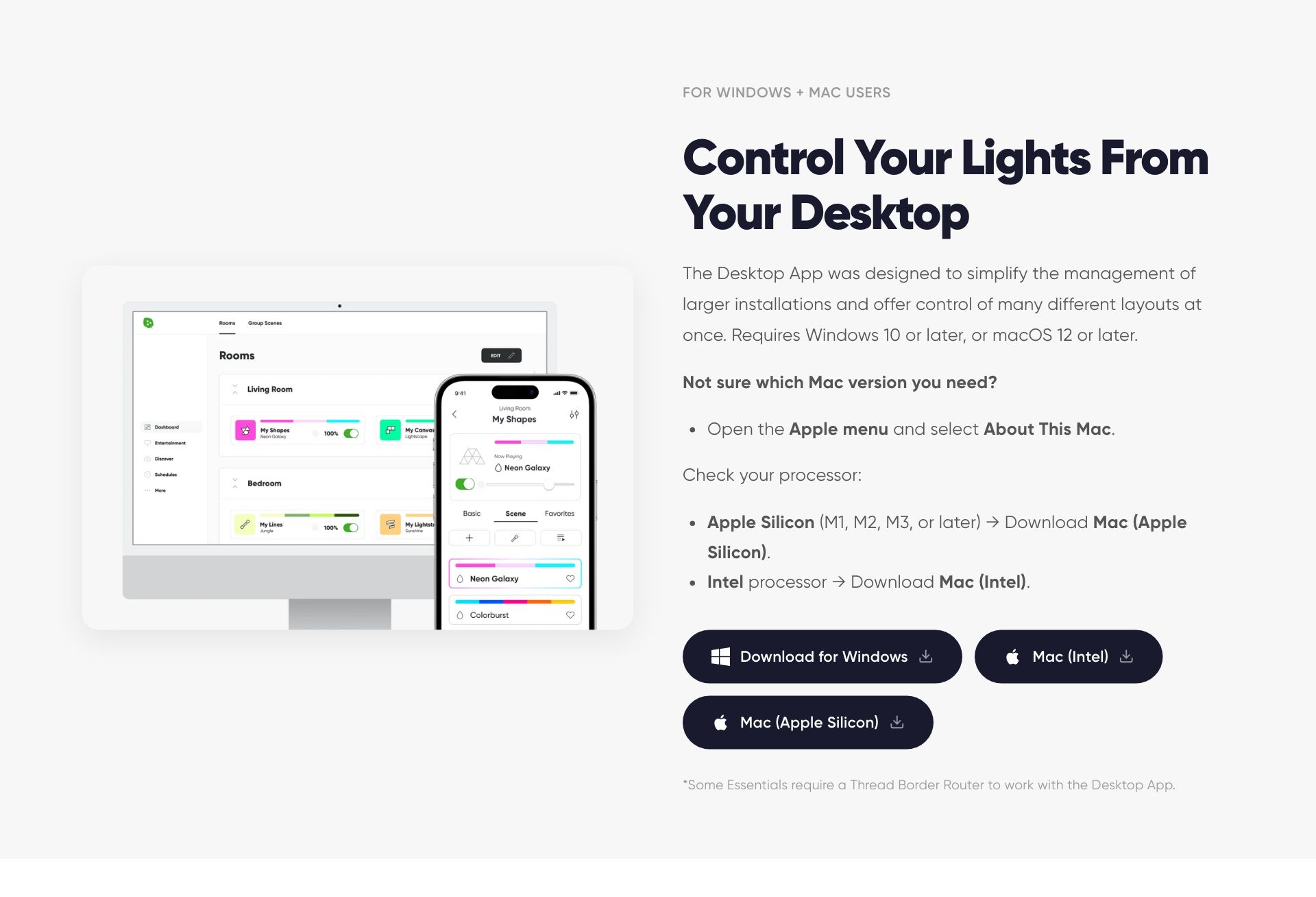
App Download
app-download
Read first: this section reads from custom.app_store_url + custom.google_play_url (per-product app links).
Reads from
product.metafields.custom.app_store_urlproduct.metafields.custom.desktop_app_urlproduct.metafields.custom.google_play_urlproduct.metafields.custom.show_app_section
Used on
collection.home-lightingindexpage.ai-roboticspage.corporatepage.featurespage.sciencepage.wellness-educationpage.wellnesspage.works-with
11 editor settings · limit 1 per page
App Hero
page-app-hero
No embedded description — ask us and we will add one to the schema.
Reads from
- Theme editor settings only
Used on
index.homebae-backuppage.nanoleaf-desktop-apppage.nanoleaf-mobile-app
14 editor settings
Article
main-article
No embedded description — ask us and we will add one to the schema.
Reads from
- Theme editor settings only
Used on
article
5 editor settings
No live instance right now (added via the editor when needed).
Blog
main-blog
No embedded description — ask us and we will add one to the schema.
Reads from
- Theme editor settings only
Used on
blog
4 editor settings
No live instance right now (added via the editor when needed).
Brand Segment Portal
brand-segment-portal
Full-screen 3-split for the homepage. Each block = one brand segment. Hover-expand on desktop. Stacks on mobile. Designed for use as the very first section on /pages/corporate (the real homepage).
Blocks: Brand segment
Reads from
- Theme editor settings only
Used on
indexpage.corporate
3 editor settings
Bundle Builder
bundler
No embedded description — ask us and we will add one to the schema.
Blocks: Discount Tier
Reads from
- Theme editor settings only
Used on
page.bundler
4 editor settings
No live instance right now (added via the editor when needed).
Bundler – Blocks BYOB
bundler-blocks
No embedded description — ask us and we will add one to the schema.
Blocks: Discount Tier
Reads from
- Theme editor settings only
Used on
page.byob-2
10 editor settings
No live instance right now (added via the editor when needed).
Call to Action Bar
cta-bar
No embedded description — ask us and we will add one to the schema.
Blocks: Call to Action, Sale Override
Reads from
- Theme editor settings only
Used on
index.homebae-backupindex.homebae
1 editor settings
No live instance right now (added via the editor when needed).
Campaign Banner
campaign-banner
A schedulable campaign banner. Set the start and end dates and it turns itself on and off. While active it can replace the regular announcement and sale banners. For regional variants, edit these settings per market via the theme editor's market selector.
Reads from
- Theme editor settings only
Used on
page.home-lighting-takeover
10 editor settings
No live instance right now (added via the editor when needed).
Cart Page
main-cart
No embedded description — ask us and we will add one to the schema.
Reads from
- Theme editor settings only
Used on
cart
3 editor settings
No live instance right now (added via the editor when needed).
Collection list
main-list-collections
No embedded description — ask us and we will add one to the schema.
Reads from
- Theme editor settings only
Used on
list-collections
3 editor settings
No live instance right now (added via the editor when needed).
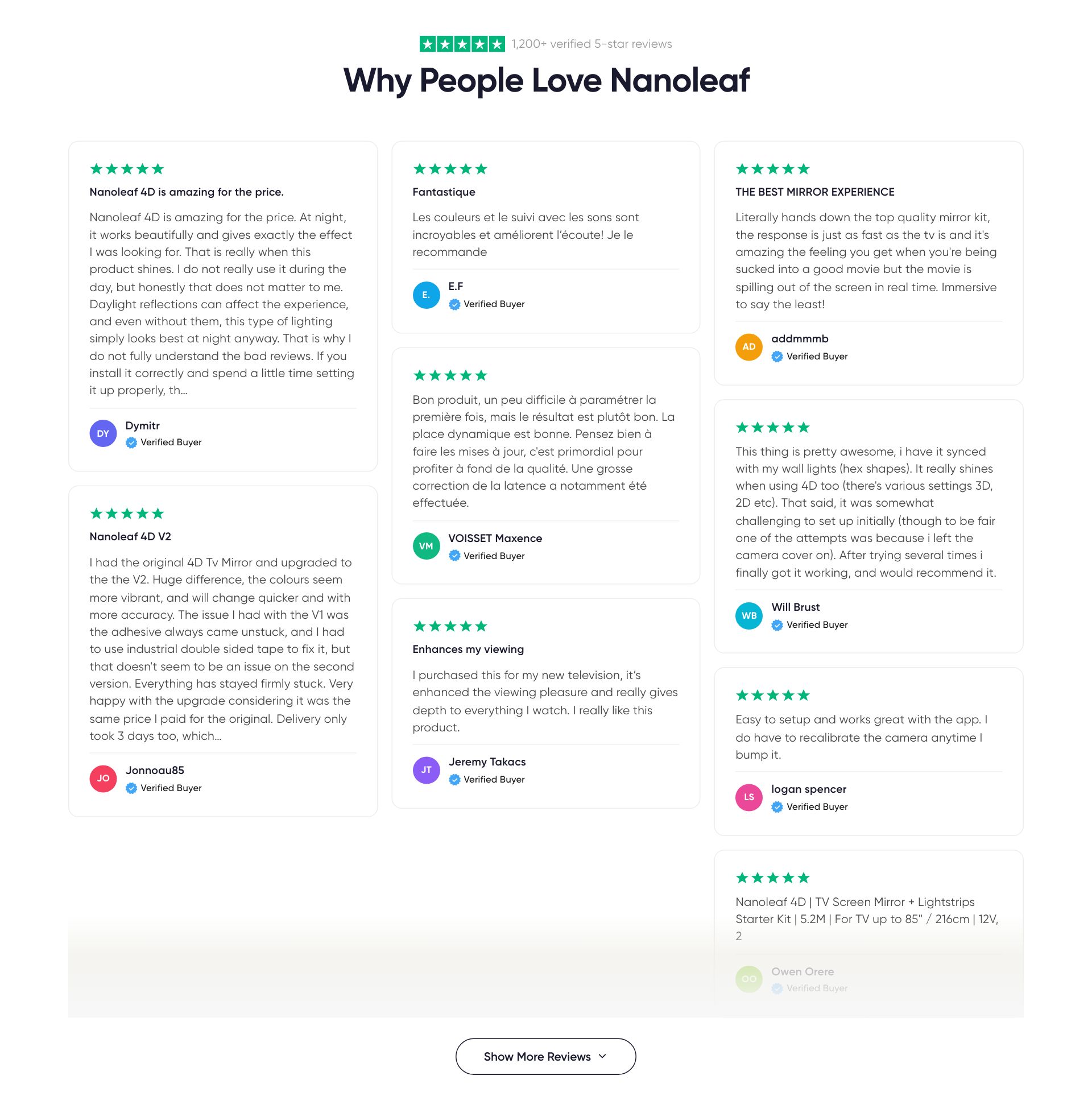
Collection Reviews
collection-reviews
No embedded description — ask us and we will add one to the schema.
Reads from
collection.metafields.custom.color_scheme
Used on
collection.ai-roboticscollection.corporatecollection.home-lighting-featurecollection.home-lightingcollectioncollection.wellness-bundlescollection.wellness-collectioncollection.wellnessindex.homebae-backupindex.homebaeindexpage.corporatepage.wellness
8 editor settings
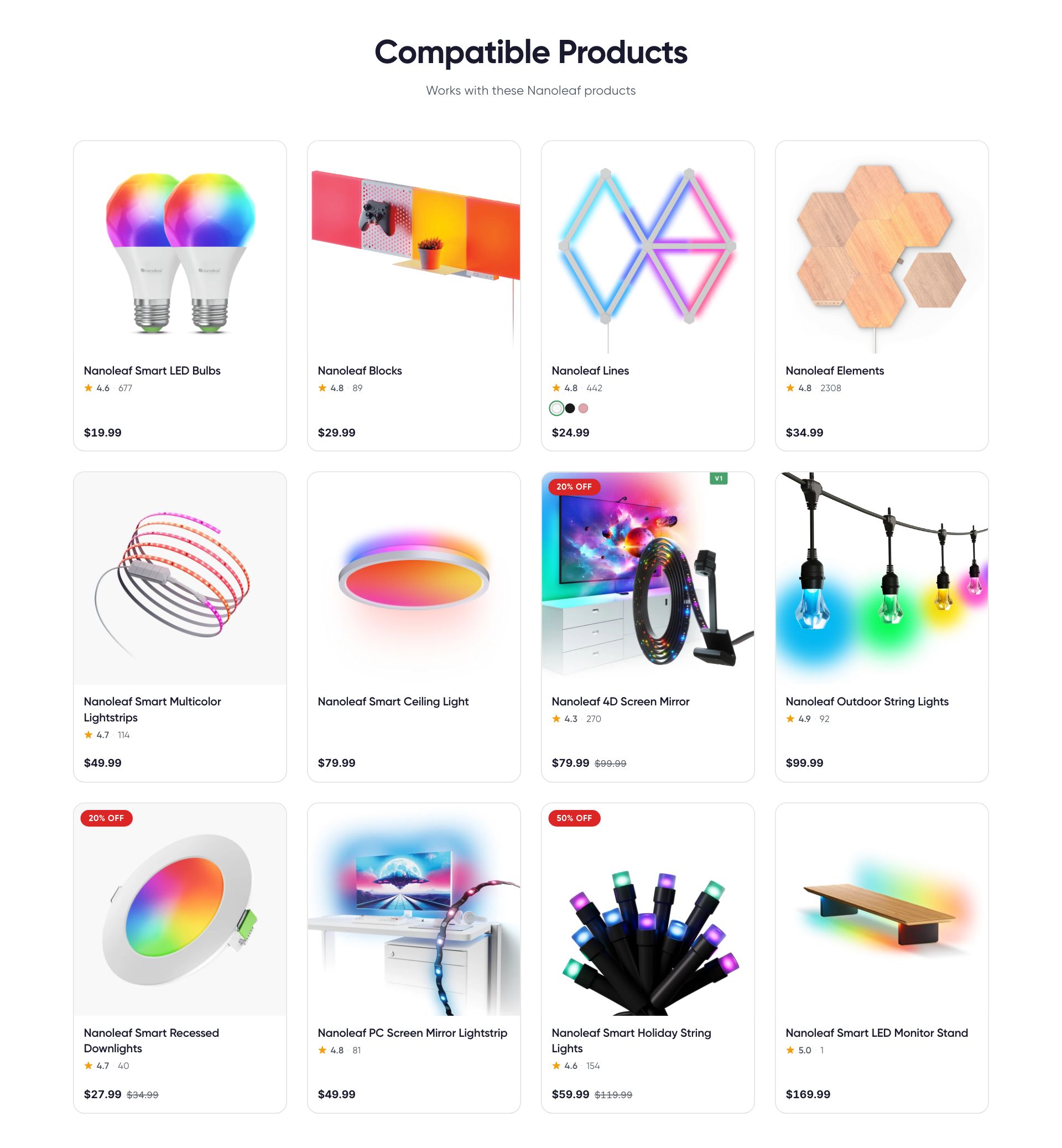
Compatible Products
integration-products
No embedded description — ask us and we will add one to the schema.
Reads from
page.metafields.custom.platformproduct.metafields.custom.compatible_platformsshop.metaobjects.compatible_platform
Used on
page.integration-detail
6 editor settings
Contact Form
contact-form
No embedded description — ask us and we will add one to the schema.
Reads from
- Theme editor settings only
Used on
page.contact-us
6 editor settings
No live instance right now (added via the editor when needed).
Editorial Text (Pages)
editorial-text-page
Reads all content from one of the page's content sources. Pick which one below. No dynamic sources to connect: the section reads eyebrow, heading, lead, body, image and video straight from the editorial metaobject that the chosen content source points to.
Reads from
page.metafields.custom.content_source_
Used on
page.about
7 editor settings
Eligible Products
student-eligible-products
Eligible-products tag cloud + verification CTA. Uses design-system tokens (brand-green pill, --pdp-container, button--primary) for visual consistency.
Blocks: Product tag
Reads from
- Theme editor settings only
Used on
page.student-discount
7 editor settings
No live instance right now (added via the editor when needed).
Favorite Products
favorite-collection
No embedded description — ask us and we will add one to the schema.
Blocks: Product
Reads from
- Theme editor settings only
Used on
collection.home-lighting-featurepage.wellness
10 editor settings
Feature Grid
feature-grid
No embedded description — ask us and we will add one to the schema.
Blocks: Feature Card
Reads from
- Theme editor settings only
Used on
index.homebae-backupindex.homebaepage.ai-roboticspage.nanoleaf-desktop-apppage.nanoleaf-mobile-apppage.points-program
7 editor settings
Help Center
help-center
No embedded description — ask us and we will add one to the schema.
Blocks: Product Support, FAQ Tab, Card Tab, Simple Content Tab, Contact Tab, Resources Tab
Reads from
- Theme editor settings only
Used on
page.customer-support
2 editor settings
No live instance right now (added via the editor when needed).
Integration Features
integration-features
No embedded description — ask us and we will add one to the schema.
Blocks: Feature block
Reads from
page.metafields.custom.platformshop.metaobjects.compatible_platform
Used on
page.integration-detail
1 editor settings
Integration Hero
integration-hero
No embedded description — ask us and we will add one to the schema.
Reads from
page.metafields.custom.platformshop.metaobjects.compatible_platform
Used on
page.affiliate-programpage.featurespage.integration-detailpage.nanoleaf-desktop-apppage.nanoleaf-mobile-apppage.patents
10 editor settings
Manual Grid
manual-grid
No embedded description — ask us and we will add one to the schema.
Blocks: Category
Reads from
shop.metafields.custom.manuals
Used on
page.manuals
2 editor settings
No live instance right now (added via the editor when needed).
Manual Steps
manual-steps
No embedded description — ask us and we will add one to the schema.
Reads from
- Theme editor settings only
Used on
page.affiliate-program
11 editor settings
No live instance right now (added via the editor when needed).
Newsroom: Press Kits
newsroom-press-kits
No embedded description — ask us and we will add one to the schema.
Blocks: Press Kit
Reads from
- Theme editor settings only
Used on
page.newsroom
1 editor settings
No live instance right now (added via the editor when needed).
Newsroom: Press Quotes
newsroom-press-quotes
No embedded description — ask us and we will add one to the schema.
Blocks: Press Quote
Reads from
- Theme editor settings only
Used on
page.newsroom
1 editor settings
No live instance right now (added via the editor when needed).
Newsroom: Press Releases
newsroom-releases
No embedded description — ask us and we will add one to the schema.
Blocks: Press Release
Reads from
- Theme editor settings only
Used on
page.newsroom
2 editor settings
No live instance right now (added via the editor when needed).
Page
main-page
No embedded description — ask us and we will add one to the schema.
Reads from
- Theme editor settings only
Used on
page.home-lighting-takeoverpage.home-lightingpagepage.nanoleaf-ai
0 editor settings
No live instance right now (added via the editor when needed).
Password
main-password
No embedded description — ask us and we will add one to the schema.
Reads from
- Theme editor settings only
Used on
password
0 editor settings
No live instance right now (added via the editor when needed).
Patents List
patents-list
No embedded description — ask us and we will add one to the schema.
Reads from
page.metafields.custom.patent_entries
Used on
page.patents
4 editor settings
No live instance right now (added via the editor when needed).
Product Declarations
product-declarations
No embedded description — ask us and we will add one to the schema.
Blocks: Declaration row
Reads from
- Theme editor settings only
Used on
page.product-declarations
7 editor settings
No live instance right now (added via the editor when needed).
Product Recommendations
product-recommendations
No embedded description — ask us and we will add one to the schema.
Reads from
- Theme editor settings only
Used on
collection.home-lightingindex.homebae-backupindex.homebae
5 editor settings
Not currently placedon /collections/nanoleaf-smart-bulbs
Product Security
page-security
No embedded description — ask us and we will add one to the schema.
Blocks: Fixed Issue
Reads from
- Theme editor settings only
Used on
page.product-security
6 editor settings
No live instance right now (added via the editor when needed).
Product Spotlight
product-spotlight
No embedded description — ask us and we will add one to the schema.
Reads from
- Theme editor settings only
Used on
index.homebae-backupindex.homebaepage.wellness-education
14 editor settings
No live instance right now (added via the editor when needed).
Product Spotlights
collection-spotlights
No embedded description — ask us and we will add one to the schema.
Blocks: Spotlight
Reads from
collection.metafields.custom.color_schemecollection.metafields.custom.spotlights
Used on
collection.ai-roboticscollection.corporatecollectioncollection.wellness-bundlescollection.wellness-collectioncollection.wellnesspage.wellness
3 editor settings
PSU Calculator
psu-calculator
No embedded description — ask us and we will add one to the schema.
Blocks: Support Link
Reads from
- Theme editor settings only
Used on
page.psu-calculator
9 editor settings
No live instance right now (added via the editor when needed).
Retailer Grid
retailer-grid
No embedded description — ask us and we will add one to the schema.
Blocks: Retailer
Reads from
- Theme editor settings only
Used on
page.find-a-retailer
2 editor settings
No live instance right now (added via the editor when needed).
Search
main-search
No embedded description — ask us and we will add one to the schema.
Reads from
- Theme editor settings only
Used on
search
2 editor settings
No live instance right now (added via the editor when needed).
Shop by Category
collection-tabs
No embedded description — ask us and we will add one to the schema.
Blocks: Collection
Reads from
- Theme editor settings only
Used on
collection.home-lighting-featureindex.homebae-backupindex.homebae
4 editor settings
Open live ↗on /collections/powered-by-nanoleaf-smarter-partners Shop by Category
shop-by-category
Combined Bento + Tabs section. Each block becomes both a large mood card (top) AND a tab with horizontal scroller (bottom). Clicking a bento card activates its tab and scrolls down.
Blocks: Category
Reads from
- Theme editor settings only
Used on
index.homebae-backupindex.homebaeindexpage.ai-roboticspage.corporatepage.home-lighting-takeoverpage.home-lighting
9 editor settings
Shop the Feed
shop-the-feed
No embedded description — ask us and we will add one to the schema.
Blocks: Feed card
Reads from
- Theme editor settings only
Used on
collection.home-lighting-featurepage.home-lighting-takeoverpage.home-lighting
11 editor settings
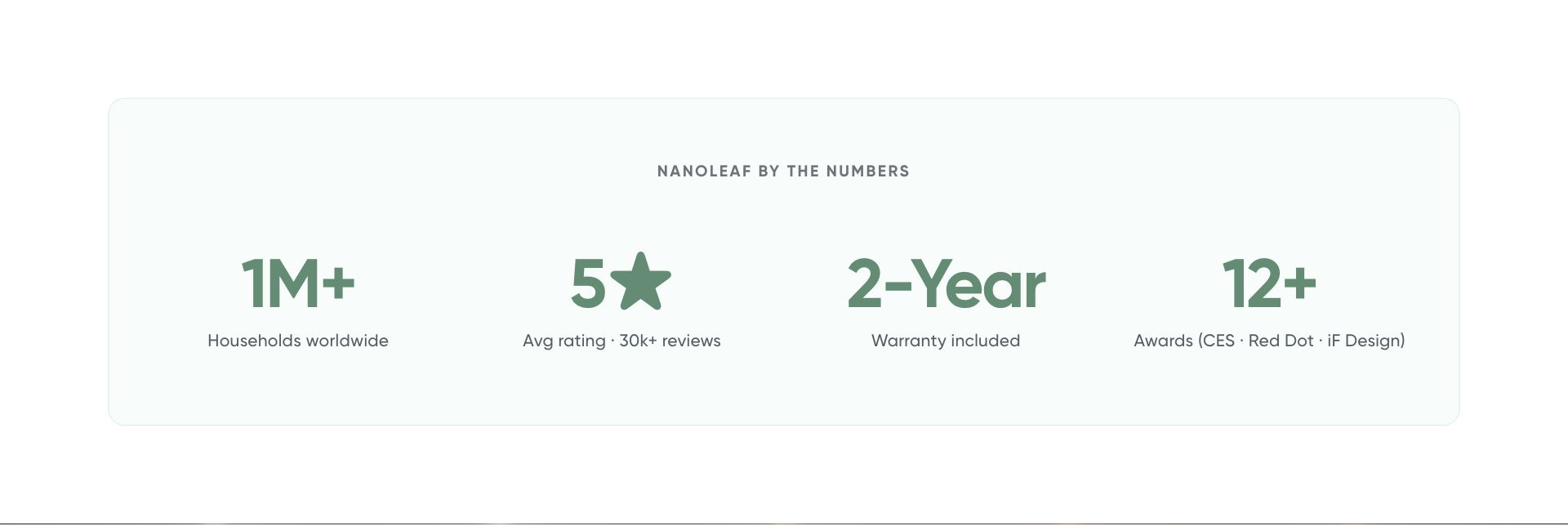
Stats Band
stats-band
Showcase 2–5 big-number proof points (e.g. "1M+ Households", "5★ rating", "2-Year warranty"). The grid auto-sizes to the block count.
Blocks: Stat
Reads from
page.metafields.custom.page_contentpage.metafields.custom.stats_band
Used on
indexpage.aboutpage.ai-roboticspage.corporatepage.featurespage.wellness
7 editor settings
Switched off on this pageon /
Student Discount Embed
student-discount-embed
Embeds the Pion (Student Beans iD) verification flow so users can verify student status without leaving Nanoleaf. Territory is auto-detected from the visitor's country.
Reads from
- Theme editor settings only
Used on
page.student-discount
8 editor settings · limit 1 per page
No live instance right now (added via the editor when needed).
Student — How It Works
student-how-it-works
3-step process explainer for verification flows (Student Beans, etc.). Brand-green numbered cards using design-system tokens.
Blocks: Step
Reads from
- Theme editor settings only
Used on
page.student-discount
7 editor settings
No live instance right now (added via the editor when needed).
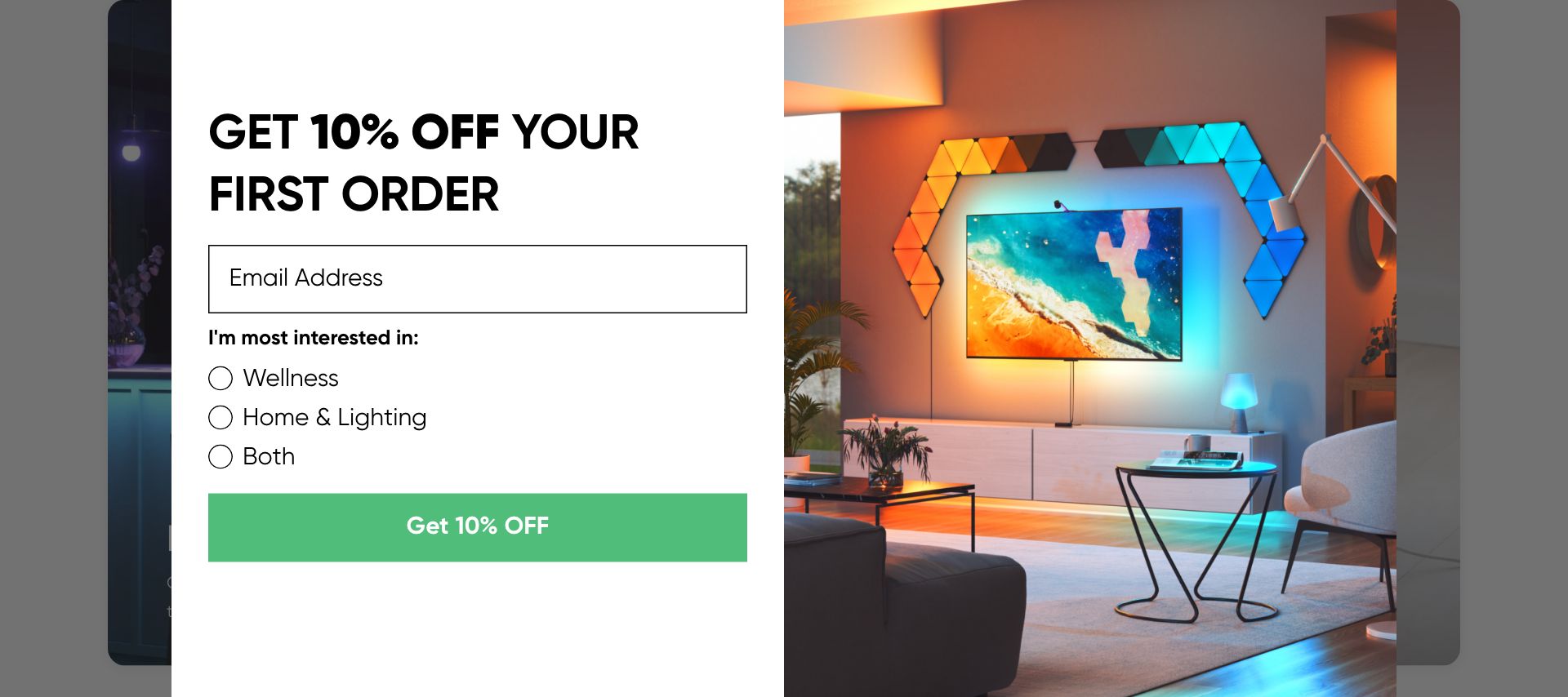
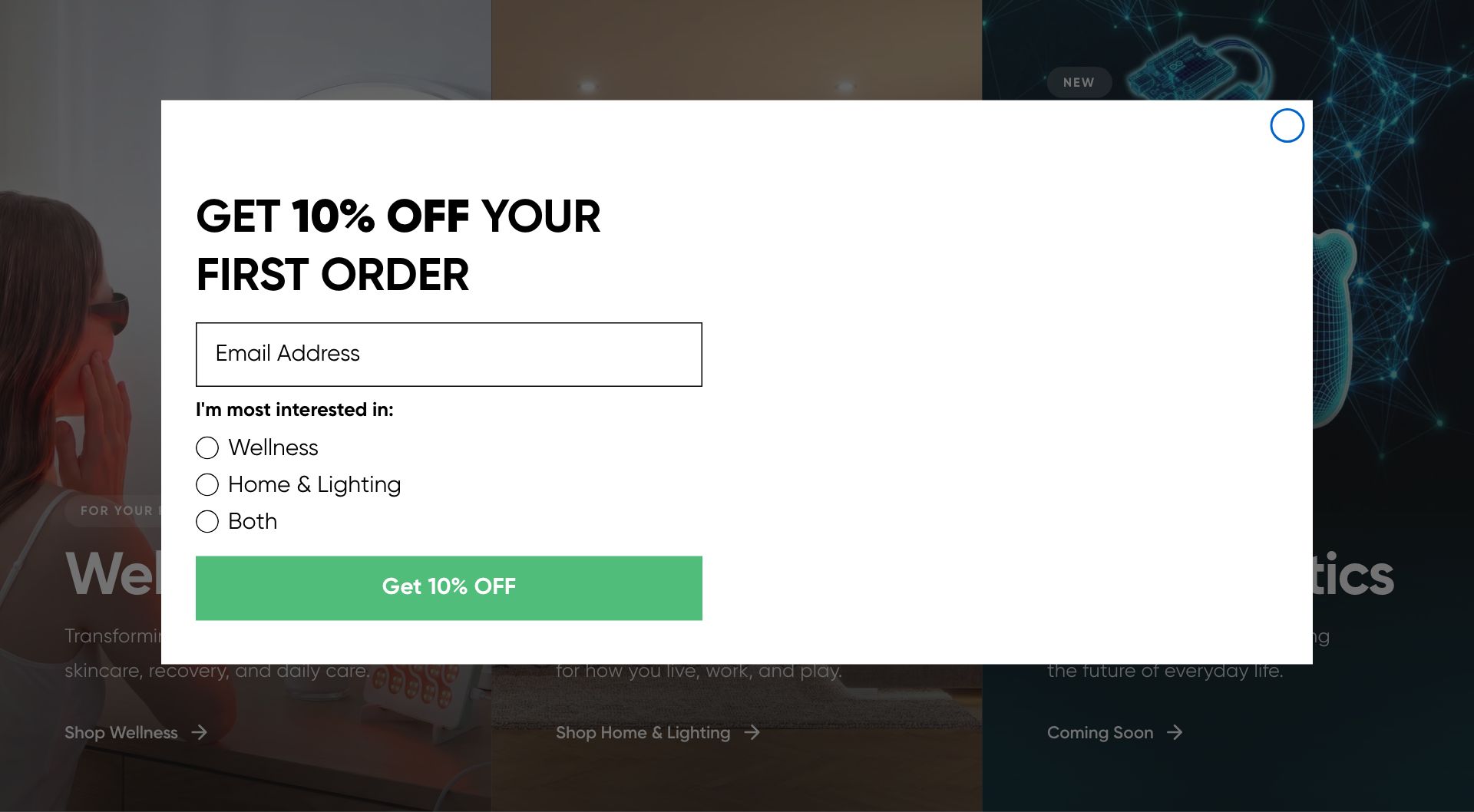
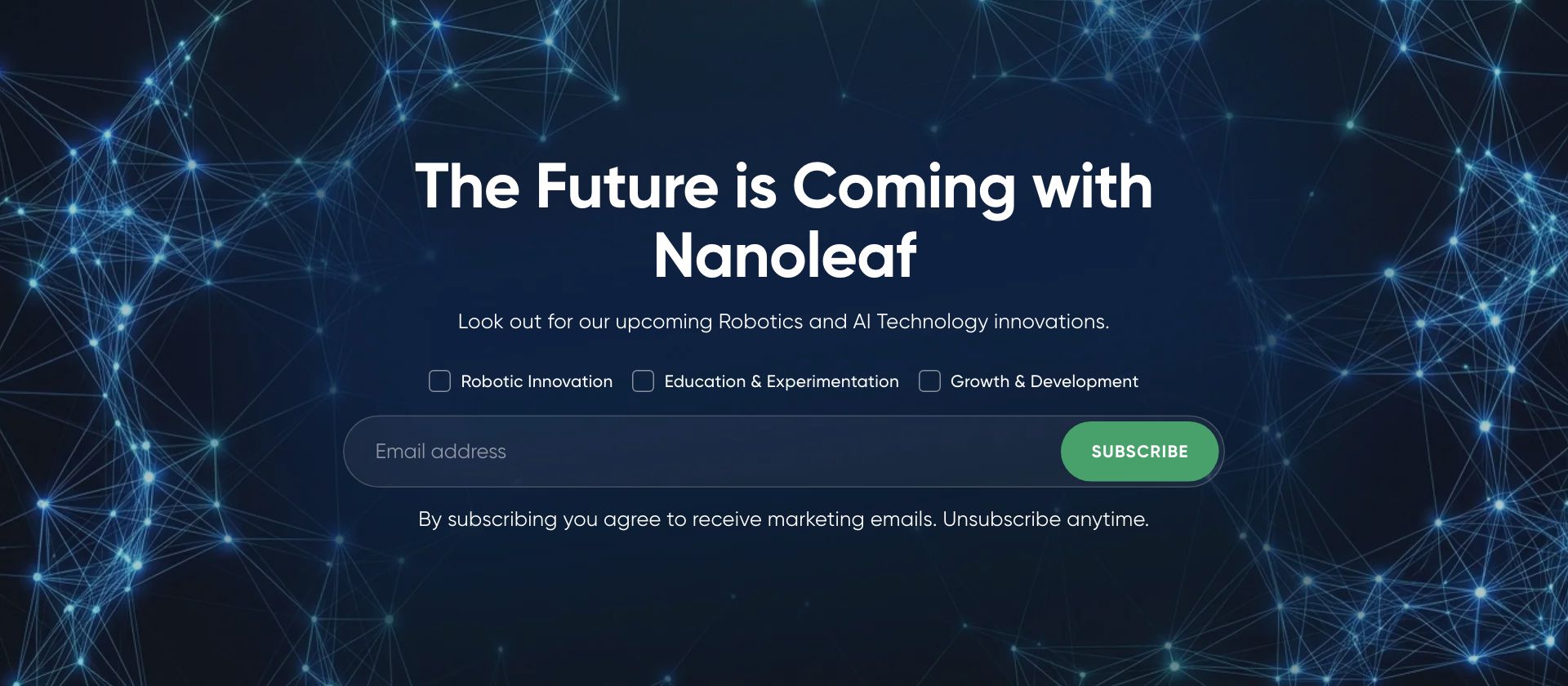
Subscribe
subscribe
Email signup form with optional interest checkboxes. Each checkbox can be wired to a separate Klaviyo list, so visitors get added to the lists matching their interests. Find your IDs in Klaviyo → Account → Settings → API Keys (Company ID), and Lists & Segments → List Settings (List ID).
Blocks: Interest checkbox
Reads from
- Theme editor settings only
Used on
page.ai-robotics
16 editor settings
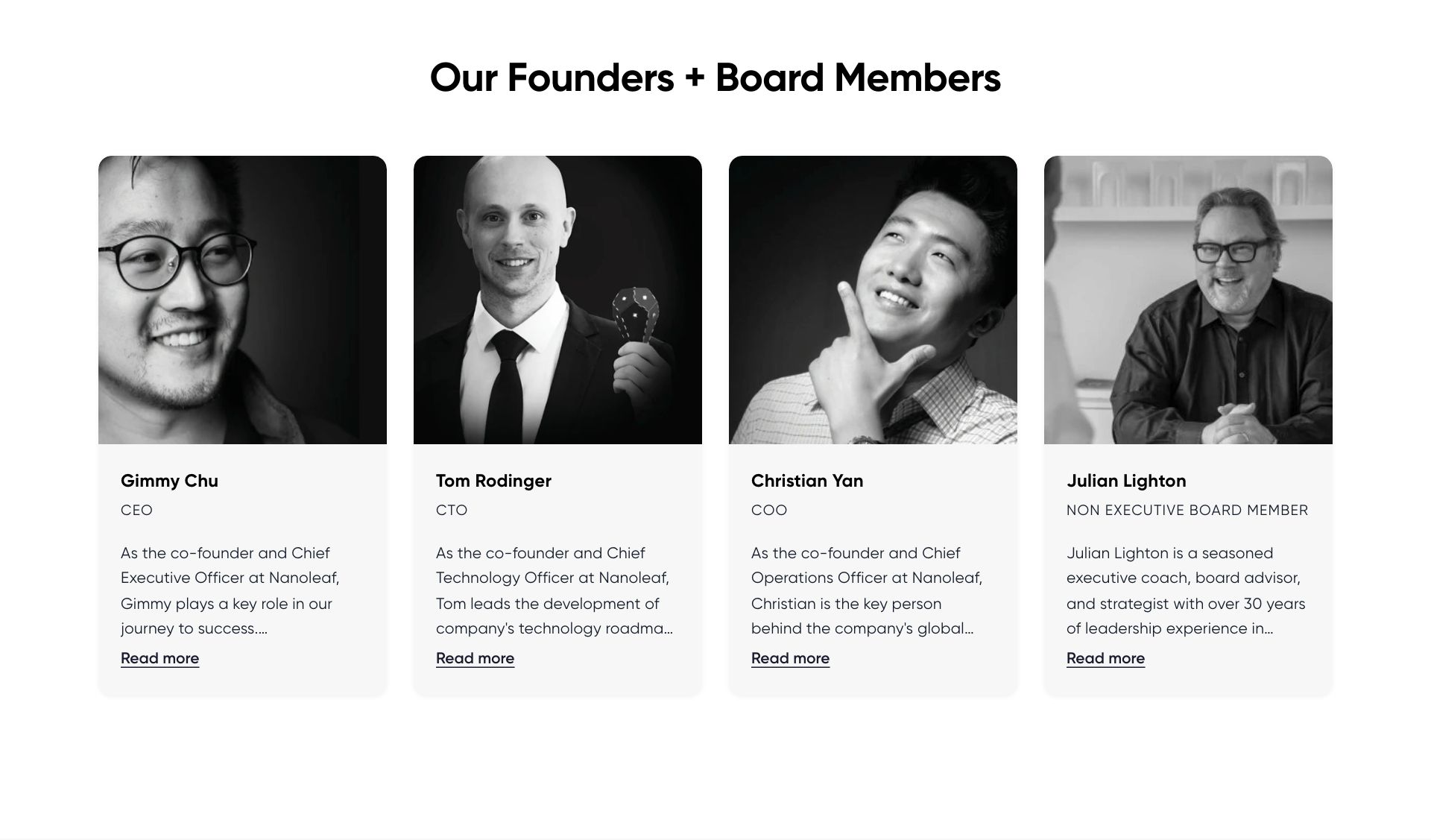
Team & Founders
team-founders
No embedded description — ask us and we will add one to the schema.
Blocks: Founder
Reads from
- Theme editor settings only
Used on
page.about
11 editor settings
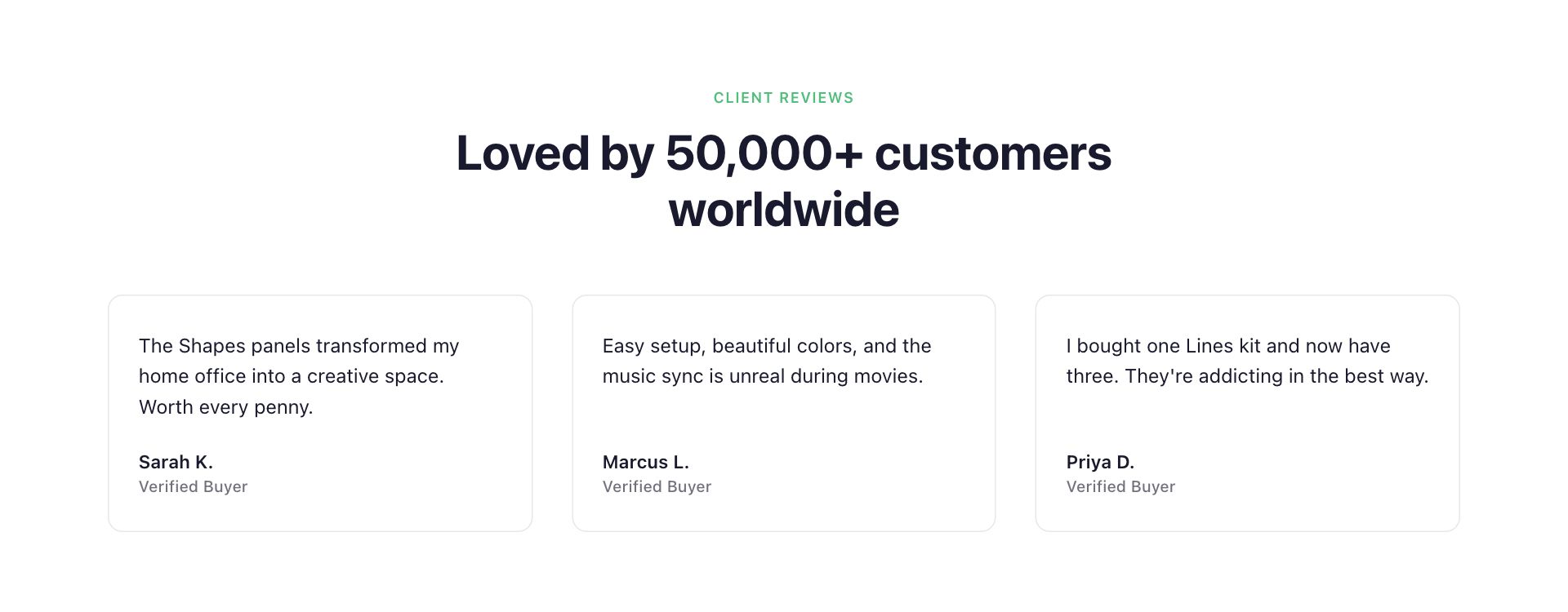
Testimonials
testimonials
No embedded description — ask us and we will add one to the schema.
Blocks: Testimonial
Reads from
- Theme editor settings only
Used on
index.homebae-backuppage.home-lighting-takeoverpage.home-lighting
8 editor settings
Switched off on this pageon /pages/home-lighting
User Guide Grid
user-guide-grid
Cards are pulled dynamically from Content → Metaobjects → User manuals. Each entry's brand_segment + category determines where it lands. The fields below only control the page chrome and optional support links.
Blocks: Support link
Reads from
shop.metafields.custom.manualsshop.metaobjects.user_manuals
Used on
page.user-manuals
6 editor settings
No live instance right now (added via the editor when needed).
Video Feature
collection-video
No embedded description — ask us and we will add one to the schema.
Blocks: Trust point
Reads from
collection.metafields.custom.color_scheme
Used on
collectioncollection.wellness-bundlescollection.wellness-collectionindex.homebae-backupindex.homebaepage.affiliate-program
8 editor settings
No live instance right now (added via the editor when needed).
Why Nanoleaf
why-nanoleaf
Split-pane section: lifestyle image + scannable trust checklist. Reusable replacement for the old "What to Expect" benefits block on collection pages.
Blocks: Promise
Reads from
- Theme editor settings only
Used on
collection.ai-roboticscollection.corporatecollection.wellnesspage.works-with
19 editor settings
Not currently used
Account
main-account
No embedded description — ask us and we will add one to the schema.
Reads from
- Theme editor settings only
Used on
—
0 editor settings
No live instance right now (added via the editor when needed).
Activate account
main-activate-account
No embedded description — ask us and we will add one to the schema.
Reads from
- Theme editor settings only
Used on
—
0 editor settings
No live instance right now (added via the editor when needed).
Addresses
main-addresses
No embedded description — ask us and we will add one to the schema.
Reads from
- Theme editor settings only
Used on
—
0 editor settings
No live instance right now (added via the editor when needed).
BYO Kit Builder
pdp-byo-kit
About this section: renders a Build-Your-Own-Kit configurator from the product's custom.byo_components metafield (list of variant references, may point at other products' variants). Hidden on the live storefront until that metafield has at least one variant. Customers set quantities per component and add the whole kit to cart in one click.
Reads from
product.metafields.custom.byo_components
Used on
—
3 editor settings
No live instance right now (added via the editor when needed).
Feature Showcase
collection-treatment-modes
Read first: reads from custom.features (Feature metaobjects) + custom.features_title (heading) + custom.features_eyebrow (uppercase label).
Reads from
collection.metafields.custom.featurescollection.metafields.custom.features_eyebrowcollection.metafields.custom.features_title
Used on
—
2 editor settings
No live instance right now (added via the editor when needed).
Login
main-login
No embedded description — ask us and we will add one to the schema.
Reads from
- Theme editor settings only
Used on
—
0 editor settings
No live instance right now (added via the editor when needed).
Order
main-order
No embedded description — ask us and we will add one to the schema.
Reads from
- Theme editor settings only
Used on
—
0 editor settings
No live instance right now (added via the editor when needed).
PDP Buy Box
pdp-buy-box
No embedded description — ask us and we will add one to the schema.
Reads from
product.metafields.custom.sibling_products
Used on
—
0 editor settings · limit 1 per page
No live instance right now (added via the editor when needed).
PDP Exit Intent
pdp-exit-intent
Exit-intent modal triggered on cart-abandon. Configured via theme settings only.
Reads from
- Theme editor settings only
Used on
—
7 editor settings
No live instance right now (added via the editor when needed).
PDP Gallery
pdp-gallery
Legacy section — replaced by the Hero's built-in gallery. Remove from any template using pdp-hero.
Reads from
- Theme editor settings only
Used on
—
2 editor settings · limit 1 per page
No live instance right now (added via the editor when needed).
Product All Features
pdp-allproductfeatures
No embedded description — ask us and we will add one to the schema.
Blocks: Feature Item, Icon Item, Popup Header Item, Popup Item
Reads from
- Theme editor settings only
Used on
—
10 editor settings
No live instance right now (added via the editor when needed).
Product Declarations
page-declarations
No embedded description — ask us and we will add one to the schema.
Blocks: Declaration
Reads from
- Theme editor settings only
Used on
—
3 editor settings
No live instance right now (added via the editor when needed).
Product page
main-product
No embedded description — ask us and we will add one to the schema.
Reads from
- Theme editor settings only
Used on
—
0 editor settings
No live instance right now (added via the editor when needed).
Quick View
quick-view
No embedded description — ask us and we will add one to the schema.
Reads from
product.metafields.custom.warranty_infoproduct.metafields.custom.what_s_included
Used on
—
0 editor settings
No live instance right now (added via the editor when needed).
Register
main-register
No embedded description — ask us and we will add one to the schema.
Reads from
- Theme editor settings only
Used on
—
0 editor settings
No live instance right now (added via the editor when needed).
Reset password
main-reset-password
No embedded description — ask us and we will add one to the schema.
Reads from
- Theme editor settings only
Used on
—
0 editor settings
No live instance right now (added via the editor when needed).
Wellness Trust Grid
wellness-trust-grid
No embedded description — ask us and we will add one to the schema.
Blocks: Trust card
Reads from
- Theme editor settings only
Used on
—
3 editor settings
No live instance right now (added via the editor when needed).